Author: Patch

  • How to Fix Whirlpool Refrigerator Error Flash Code 1-2

    How to Fix Whirlpool Refrigerator Error Flash Code 1-2

    Problem: Refrigerator sensor open circuit (1 flash pause 2 flashes on control board LED)

    How to Fix Refrigerator Error

    1. Unplug refrigerator and remove rear access panel at top of cabinet to access main control board.
    2. Locate diagnostic LED on control board (typically red LED near edge connector).
    3. Count flash pattern: 1 flash, pause, 2 flashes = refrigerator sensor fault.
    4. Remove interior panels to access refrigerator temperature sensor behind rear wall.
    5. Disconnect sensor connector and measure resistance at room temperature (77°F/25°C): should read 5kΩ ±5%.
    6. If resistance is infinite (open circuit), replace sensor WPW
    7. Inspect wiring harness between sensor and control board for broken wires near door hinge.
    8. Repair broken wires with waterproof heat-shrink connectors or replace entire harness section.
    9. After repair, restore power and verify LED stops flashing error code within 2 minutes.
    10. Monitor refrigerator temperature stabilization within 1 hour of repair.

    As an Amazon Associate, we earn from qualifying purchases through links on this page.

    Still Not Working?

    If the replacement part didn’t fix the issue, you may have a wiring problem or main board failure.


    Browse all Whirlpool error codes: Whirlpool Error Codes
  • How to Fix Frigidaire Refrigerator Error ER DS

    How to Fix Frigidaire Refrigerator Error ER DS

    Error Code: ER DS Difficulty: Hard

    Problem: Defrost Sensor Failure

    How to Fix ER DS Error (Step-by-Step)

    1. Unplug the refrigerator from the wall outlet and confirm the error stays cleared during a full test cycle.
    2. Remove all food and shelving from the freezer compartment and confirm the error stays cleared during a full test cycle.
    3. Unscrew and remove the panel at the very back of the freezer’s interior to expose the evaporator coils.
    4. If there is significant ice buildup, use a hairdryer on low to gently melt it and get a clear view of the components.
    5. Locate the defrost sensor and bi-metal thermostat. They are small components clipped directly onto the copper or aluminum tubing of the evaporator.
    6. Disconnect the wire plug for the sensor assembly. Unclip the old sensor and thermostat from the tubing.
    7. Clip the new components onto the tubing in the same location and orientation as the old ones. Reconnect the wire plug and reinstall the back panel.
    8. Turn the appliance off, wait about 2 minutes, then turn it back on.

    Verified Compatible Alternatives:

    • Defrost Bi-metal Thermostat

    Still Not Working?
    If the replacement part didn’t fix the issue, you may have a wiring problem or main board failure.


    Browse all Frigidaire error codes: Frigidaire Error Codes

  • How to Fix Kenmore Dryer Error F10

    How to Fix Kenmore Dryer Error F10

    Problem: User interface relay failure on control board

    How to Fix Dryer Error

    1. Disconnect power at circuit breaker.
    2. Remove control panel faceplate and access cover.
    3. Inspect user interface board for burnt relay contacts.
    4. Test button functions and display operation.
    5. Check communication wires between interface and main control boards.
    6. If relay is faulty, document all wire connections.
    7. Remove mounting screws and disconnect all connectors.
    8. Install new user interface board assembly.
    9. Reconnect all harnesses and test all button functions.
    10. Run diagnostic mode to verify proper communication.

    As an Amazon Associate, we earn from qualifying purchases through links on this page.

    Still Not Working?

    If the replacement part didn’t fix the issue, you may have a wiring problem or main board failure.


    Browse all Kenmore error codes: Kenmore Error Codes

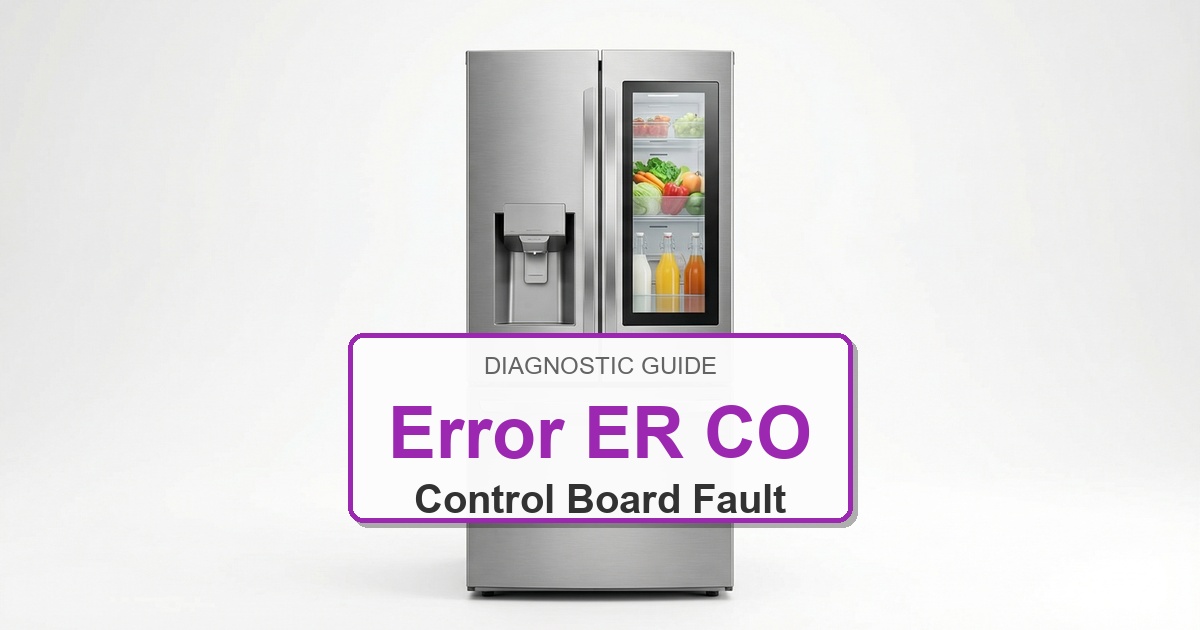
  • How to Fix Frigidaire Refrigerator Error ER CO

    How to Fix Frigidaire Refrigerator Error ER CO

    Error Code: ER CO Difficulty: Hard

    Problem: Communication Error between Control Boards

    How to Fix ER CO Error (Step-by-Step)

    1. Unplug the refrigerator from the wall outlet to completely cut power.
    2. Locate the main control board, typically behind a cover panel on the lower back of the unit. Also, locate the display board in the dispenser area on the door.
    3. Carefully inspect the wire harness that runs between these two boards, often through the door hinge. Look for any visible signs of pinched, broken, or disconnected wires.
    4. Firmly unplug and then reconnect the wire harness connectors at both the main board and the display board to ensure a solid connection.
    5. If replacing the display board does not solve the issue, the final step is to replace the main control board.
    6. When replacing a board, carefully transfer each wire connector from the old board to the exact same location on the new board one at a time to prevent errors.
    7. Turn the appliance off, wait about 2 minutes, then turn it back on.

    Verified Compatible Alternatives:

    • Main Control Board

    Still Not Working?
    If the replacement part didn’t fix the issue, you may have a wiring problem or main board failure.


    Browse all Frigidaire error codes: Frigidaire Error Codes

  • How to Fix Whirlpool Refrigerator Error Flash Code 2-1

    How to Fix Whirlpool Refrigerator Error Flash Code 2-1

    Problem: Freezer sensor shorted circuit (2 flashes pause 1 flash on control board LED)

    How to Fix Refrigerator Error

    1. Unplug refrigerator and remove rear access panel to access main control board.
    2. Locate diagnostic LED and confirm flash pattern: 2 flashes, pause, 1 flash = freezer sensor shorted.
    3. Remove rear wall panel in freezer compartment to access temperature sensor.
    4. Disconnect sensor connector and measure resistance – should read approximately 5kΩ at room temperature.
    5. If resistance is zero ohms (shorted circuit), replace sensor WPW
    6. Inspect sensor wiring for damaged insulation causing wires to touch (common near evaporator fan).
    7. Check connector for moisture causing short between pins – dry thoroughly with electrical contact cleaner.
    8. If wiring shows damage, repair with waterproof heat-shrink connectors ensuring no conductor exposure.
    9. After repair, restore power and verify LED stops flashing error code within 2 minutes.
    10. Monitor freezer temperature stabilization within 2 hours of repair.

    As an Amazon Associate, we earn from qualifying purchases through links on this page.

    Still Not Working?

    If the replacement part didn’t fix the issue, you may have a wiring problem or main board failure.


    Browse all Whirlpool error codes: Whirlpool Error Codes
  • How to Fix Frigidaire Refrigerator Error EO

    How to Fix Frigidaire Refrigerator Error EO

    Error Code: EO Difficulty: Hard

    Problem: Communication Error

    How to Fix EO Error (Step-by-Step)

    1. First, try a simple power cycle. Unplug the refrigerator for 10 minutes, then plug it back in to see if the error clears.
    2. If the code returns, unplug the unit again. The problem is often the wiring harness that connects the main board (on the back) to the display board (in the door).
    3. Closely inspect the wires at the top or bottom door hinge area. Look for any signs of pinching, fraying, or breaks in the wiring.
    4. To check connections, you must access both boards. The main board is on the back, and the display board is behind the front control panel.
    5. Unplug and firmly reseat the main communication wire harness at both the main board and the display board to ensure a tight connection.
    6. If the connections are good and the wiring at the hinge appears undamaged, the wiring harness itself has likely failed internally and needs to be replaced.
    7. Turn the appliance off, wait about 2 minutes, then turn it back on.

    Verified Compatible Alternatives:

    • Sensor Wiring

    Still Not Working?
    If the replacement part didn’t fix the issue, you may have a wiring problem or main board failure.


    Browse all Frigidaire error codes: Frigidaire Error Codes

  • How to Fix Kenmore Dishwasher Error F29

    How to Fix Kenmore Dishwasher Error F29

    Problem: Ground fault detected in electrical system

    How to Fix Dishwasher Error

    1. Disconnect power and check all components for shorts to ground.
    2. Test heating element for ground faults (should have infinite resistance to ground).
    3. Inspect wiring harness for damaged insulation or exposed conductors.
    4. Check motor windings for ground faults.
    5. Test GFCI protection circuit operation.
    6. Replace faulty component causing ground fault.

    As an Amazon Associate, we earn from qualifying purchases through links on this page.

    Still Not Working?

    If the replacement part didn’t fix the issue, you may have a wiring problem or main board failure.


    Browse all Kenmore error codes: Kenmore Error Codes

  • How to Fix Frigidaire Refrigerator Error E8

    How to Fix Frigidaire Refrigerator Error E8

    Error Code: E8 Difficulty: Moderate

    Problem: Ice maker thermistor (temperature sensor) is open.

    How to Fix E8 Error (Step-by-Step)

    1. Shut off the water supply valve to the refrigerator and unplug the unit from the wall.
    2. Open the freezer and remove the ice bin to get a clear view of the ice maker assembly.
    3. Locate the mounting screws holding the ice maker to the freezer wall or ceiling. There are typically two or three.
    4. Support the ice maker with one hand while you remove the screws with the other.
    5. Gently pull the ice maker away from the wall to reveal the main wire harness. Press the release tab on the harness and disconnect it.
    6. Connect the wire harness to the new ice maker assembly.
    7. Align the new assembly with the mounting holes and secure it with the screws. Turn the water supply back on and restore power.
    8. Turn the appliance off, wait about 2 minutes, then turn it back on.

    Still Not Working?
    If the replacement part didn’t fix the issue, you may have a wiring problem or main board failure.


    Browse all Frigidaire error codes: Frigidaire Error Codes

  • How to Fix Whirlpool Refrigerator Error Flash Code 3-3

    How to Fix Whirlpool Refrigerator Error Flash Code 3-3

    Problem: Main control board EEPROM failure (3 flashes pause 3 flashes on LED)

    How to Fix Refrigerator Error

    1. Unplug refrigerator for 10 minutes to fully discharge board capacitors.
    2. Remove rear access panel to access main control board.
    3. Inspect board for visible damage: burnt components, bulging capacitors, or moisture corrosion.
    4. Check all wire harness connections for proper seating and corrosion – reseat firmly.
    5. Verify 120V AC power supply to board is stable (no voltage sags during compressor startup).
    6. If board appears physically intact but error persists after power cycle, EEPROM corruption has occurred.
    7. Main control board must be replaced – EEPROM cannot be reprogrammed in field service.
    8. Install new control board W11035831 and secure all mounting screws to prevent vibration damage.
    9. After installation, power on refrigerator and allow 24 hours for system to stabilize temperatures.
    10. Note: Power surges often cause this failure – recommend installing whole-house surge protector to prevent recurrence.

    As an Amazon Associate, we earn from qualifying purchases through links on this page.

    Still Not Working?

    If the replacement part didn’t fix the issue, you may have a wiring problem or main board failure.


    Browse all Whirlpool error codes: Whirlpool Error Codes
  • How to Fix Frigidaire Refrigerator Error E9

    How to Fix Frigidaire Refrigerator Error E9

    Error Code: E9 Difficulty: Moderate

    Problem: Ice maker thermistor (temperature sensor) is shorted.

    How to Fix E9 Error (Step-by-Step)

    1. Unplug the refrigerator from the power outlet to prevent electrical shock.
    2. Pull the refrigerator away from the wall to access the rear of the unit.
    3. Locate the main control board housing. It is a metal or plastic box with several wires leading to it, usually near the bottom.
    4. Remove the screws on the cover panel to expose the control board.
    5. Take a clear picture of the wire connections with your phone for reference before you disconnect anything.
    6. Carefully disconnect each wire harness from the old board by pressing its locking tab and pulling gently.
    7. Remove the old board from its housing and snap the new one into place.
    8. Using your photo, reconnect all harnesses to the new board, replace the cover, and plug the refrigerator in.

    Still Not Working?
    If the replacement part didn’t fix the issue, you may have a wiring problem or main board failure.


    Browse all Frigidaire error codes: Frigidaire Error Codes