Author: Patch

  • How to Fix Kenmore Dishwasher Error F27

    How to Fix Kenmore Dishwasher Error F27

    Problem: Safety lock engaged or door interlock fault

    How to Fix Dishwasher Error

    1. Check door latch mechanism for proper engagement.
    2. Test door safety switches for continuity when door is closed.
    3. Inspect door strike plate alignment and condition.
    4. Verify control board door lock signals and timing.
    5. Replace door lock assembly or safety switches if faulty.

    As an Amazon Associate, we earn from qualifying purchases through links on this page.

    Still Not Working?

    If the replacement part didn’t fix the issue, you may have a wiring problem or main board failure.


    Browse all Kenmore error codes: Kenmore Error Codes

  • How to Fix Frigidaire Refrigerator Error LO

    How to Fix Frigidaire Refrigerator Error LO

    Error Code: LO Difficulty: Easy

    Problem: Low Temperature Alarm

    How to Fix LO Error (Step-by-Step)

    1. First, confirm that both the refrigerator and freezer doors are completely shut. Check for any items inside that might be preventing a tight seal.
    2. Inspect the rubber door gaskets for any tears, dirt, or debris. Clean the gaskets with warm, soapy water and a cloth to ensure they seal properly.
    3. Check the air vents inside both the freezer and fresh food compartments. Make sure they are not blocked by food packages, as this restricts cold air circulation.
    4. If you have recently loaded a large amount of warm groceries or experienced a power outage, the alarm may sound until the unit cools back down. Allow 4-6 hours for the temperature to stabilize.
    5. If the alarm continues after these checks, the temperature sensor (thermistor) may have failed. Unplug the unit, locate the sensor inside the fresh food section (usually a small plastic dome on the wall or ceiling), and replace it.
    6. After trying all steps, press the ‘Alarm Reset’ or ‘OK’ button on the control panel to silence the alarm and clear the code.
    7. Turn the appliance off, wait about 2 minutes, then turn it back on.

    Verified Compatible Alternatives:

    • 241600906

    Still Not Working?
    If the replacement part didn’t fix the issue, you may have a wiring problem or main board failure.


    Browse all Frigidaire error codes: Frigidaire Error Codes

  • How to Fix Whirlpool Refrigerator Error DOOR

    How to Fix Whirlpool Refrigerator Error DOOR

    Problem: Door left ajar for extended period causing temperature rise

    How to Fix Refrigerator Error

    1. Immediately close all refrigerator and freezer doors completely.
    2. Verify door gaskets are clean and making full contact around entire perimeter.
    3. Check for food containers or shelves obstructing door closure.
    4. Inspect door hinges for looseness causing misalignment – tighten hinge screws if loose.
    5. Test door closure by placing dollar bill between gasket and cabinet – should feel resistance when pulling bill out at all points.
    6. If gasket is torn, cracked, or doesn’t seal properly, replace door gasket assembly (WPW10657432 for refrigerator, WPW10657433 for freezer).
    7. Level refrigerator front-to-back and side-to-side using adjustable feet (refrigerator should tilt back slightly 1/4 inch).
    8. Verify doors close automatically when opened 45 degrees (adjust leveling if doors don’t self-close).
    9. After closing doors, allow 24 hours for temperatures to stabilize before adding large amounts of warm food.
    10. If DOOR alarm sounds repeatedly with doors properly closed, test door switch continuity and replace if faulty.

    Still Not Working?

    If the replacement part didn’t fix the issue, you may have a wiring problem or main board failure.


    Browse all Whirlpool error codes: Whirlpool Error Codes

  • How to Fix Frigidaire Refrigerator Error OP

    How to Fix Frigidaire Refrigerator Error OP

    Error Code: OP Difficulty: Moderate

    Problem: Open Sensor (e.g., Temperature Sensor)

    How to Fix OP Error (Step-by-Step)

    1. Unplug the refrigerator from the wall outlet to ensure your safety.
    2. Locate the faulty temperature sensor. It is typically inside the fresh food compartment, behind a small plastic cover along the top or back wall.
    3. Remove any shelves that are in the way. Use a small flathead screwdriver to gently pry off the plastic sensor cover.
    4. Disconnect the sensor by pressing the locking tab on the wire harness connector and pulling it apart.
    5. Connect the new temperature sensor (Part #240597203) to the wire harness. You should hear a click as it locks into place.
    6. Snap the plastic cover back over the new sensor and reinstall any shelves you removed.
    7. Turn the appliance off, wait about 2 minutes, then turn it back on.

    Still Not Working?
    If the replacement part didn’t fix the issue, you may have a wiring problem or main board failure.


    Browse all Frigidaire error codes: Frigidaire Error Codes

  • How to Fix Kenmore Dishwasher Error F28

    How to Fix Kenmore Dishwasher Error F28

    Problem: Power supply failure to control board

    How to Fix Dishwasher Error

    1. Check incoming power voltage at dishwasher junction box.
    2. Test power supply components on control board (capacitors, diodes, transformers).
    3. Inspect power supply traces for burns or damage.
    4. Verify DC voltage outputs from power supply section.
    5. Replace control board if power supply section is faulty.

    As an Amazon Associate, we earn from qualifying purchases through links on this page.

    Still Not Working?

    If the replacement part didn’t fix the issue, you may have a wiring problem or main board failure.


    Browse all Kenmore error codes: Kenmore Error Codes

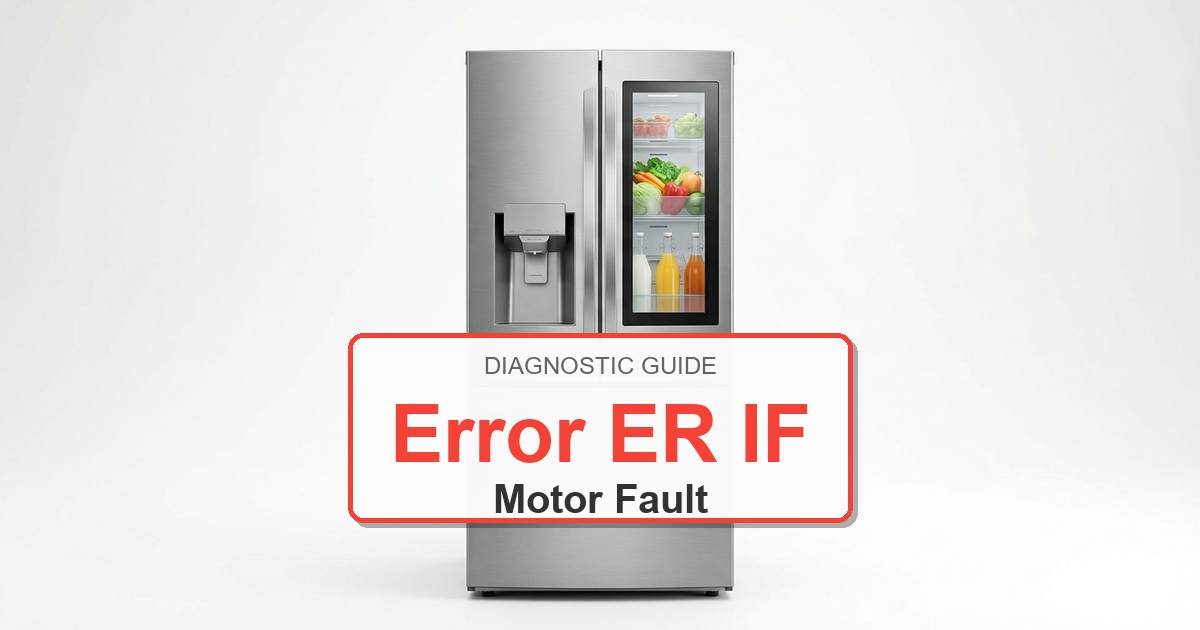
  • How to Fix Frigidaire Refrigerator Error ER IF

    How to Fix Frigidaire Refrigerator Error ER IF

    Error Code: ER IF Difficulty: Hard

    Problem: Ice Maker Fan Motor Failure

    How to Fix ER IF Error (Step-by-Step)

    1. Unplug the refrigerator from the wall outlet and confirm the error stays cleared during a full test cycle.
    2. Remove the ice bucket from the freezer to gain access to the ice maker and fan area.
    3. The ice maker fan is typically located in a small housing in the ceiling of the freezer or near the ice maker assembly itself.
    4. Remove any light covers or plastic shrouds necessary to access the fan housing. Take out the screws holding the housing in place.
    5. Disconnect the electrical wire connector from the fan motor and confirm the error stays cleared during a full test cycle.
    6. Remove the screws holding the motor inside the housing, and carefully install the new motor in its place.
    7. Reconnect the wire connector, reassemble the housing and any covers, and place the ice bucket back in position.
    8. Turn the appliance off, wait about 2 minutes, then turn it back on.

    Verified Compatible Alternatives:

    • 5303918549

    Still Not Working?
    If the replacement part didn’t fix the issue, you may have a wiring problem or main board failure.


    Browse all Frigidaire error codes: Frigidaire Error Codes

  • How to Fix Kenmore Dryer Error F11

    How to Fix Kenmore Dryer Error F11

    Problem: Timer relay failure on control board

    How to Fix Dryer Error

    1. Turn off power at circuit breaker.
    2. Remove control panel access cover.
    3. Inspect main control board for burnt timer relay contacts.
    4. Test timer relay operation during cycle progression.
    5. Check voltage supply to timer circuit.
    6. If relay is faulty, document all wire connections.
    7. Remove mounting screws and disconnect all connectors.
    8. Install new main control board assembly.
    9. Reconnect all harnesses and test cycle timing functions.
    10. Run complete diagnostic cycle to verify proper operation.

    As an Amazon Associate, we earn from qualifying purchases through links on this page.

    Still Not Working?

    If the replacement part didn’t fix the issue, you may have a wiring problem or main board failure.


    Browse all Kenmore error codes: Kenmore Error Codes

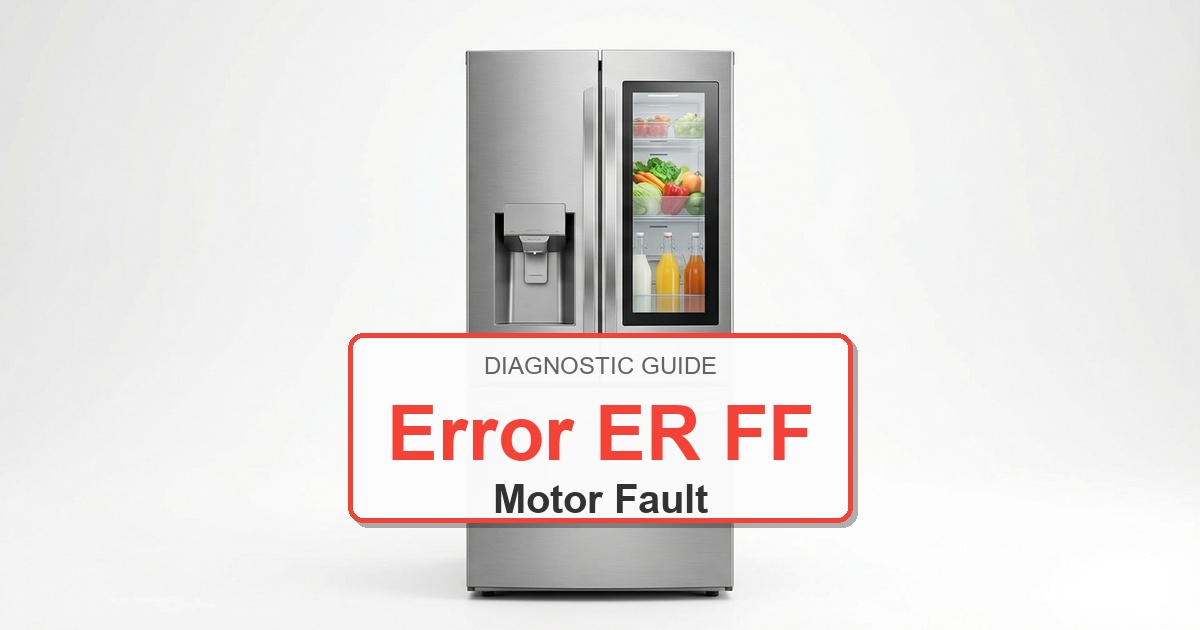
  • How to Fix Frigidaire Refrigerator Error ER FF

    How to Fix Frigidaire Refrigerator Error ER FF

    Error Code: ER FF Difficulty: Moderate

    Problem: Freezer Fan Motor Failure

    How to Fix ER FF Error (Step-by-Step)

    1. Disconnect the refrigerator from power to ensure safety and confirm the error stays cleared during a full test cycle.
    2. Empty the freezer compartment of all food and shelves and confirm the error stays cleared during a full test cycle.
    3. Remove the interior back panel inside the freezer by taking out its mounting screws. This will expose the evaporator coil and fan assembly.
    4. The evaporator fan is located inside a plastic housing, usually at the top center. Disconnect the wire harness leading to the fan motor.
    5. Remove the screws that mount the fan motor and its bracket to the housing. You may need to pull the fan blade off the motor shaft first.
    6. Install the new fan motor, making sure to transfer the fan blade from the old motor to the new one.
    7. Secure the new motor with its mounting screws, reconnect the wire harness, and reinstall the freezer’s back panel.
    8. Turn the appliance off, wait about 2 minutes, then turn it back on.

    Still Not Working?
    If the replacement part didn’t fix the issue, you may have a wiring problem or main board failure.


    Browse all Frigidaire error codes: Frigidaire Error Codes

  • How to Fix Whirlpool Refrigerator Error PO

    How to Fix Whirlpool Refrigerator Error PO

    Problem: Power on reset – normal display after power restoration

    How to Fix Refrigerator Error

    1. Verify refrigerator is plugged in and household circuit breaker is ON.
    2. Wait 5-10 minutes for control system to complete startup sequence.
    3. If display remains blank after 10 minutes, unplug refrigerator for 2 minutes then restore power.
    4. Check GFCI outlet (if applicable) hasn’t tripped – press reset button.
    5. Verify outlet provides 120V AC using multimeter.
    6. If display still blank, remove rear access panel and check main control board power connections.
    7. Inspect control board for visible damage or burnt components.
    8. If board appears intact but no display, replace main control board W
    9. If display returns after power cycle but PO remains displayed, press any button to clear message.
    10. Monitor operation for 1 hour to ensure cooling cycles initiate properly after power restoration.

    Still Not Working?

    If the replacement part didn’t fix the issue, you may have a wiring problem or main board failure.


    Browse all Whirlpool error codes: Whirlpool Error Codes

  • How to Fix Frigidaire Refrigerator Error ER DH

    How to Fix Frigidaire Refrigerator Error ER DH

    Error Code: ER DH Difficulty: Hard

    Problem: Defrost Heater Failure

    How to Fix ER DH Error (Step-by-Step)

    1. Disconnect the refrigerator from its power source and confirm the error stays cleared during a full test cycle.
    2. Empty all contents from the freezer section and remove any shelves.
    3. Remove the screws holding the interior back panel of the freezer. You may need to gently pry the panel off if it is frozen in place.
    4. Use a hairdryer on a low heat setting to carefully melt any ice buildup covering the silver evaporator coils. Do not use sharp objects to chip away ice.
    5. Locate the defrost heater, which is a glass or metal tube attached to the bottom of the evaporator coils.
    6. Disconnect the wire harness attached to the heater. Unclip the old heater from the coils.
    7. Clip the new defrost heater into the same position and reconnect its wire harness. Reassemble the freezer panel, shelves, and restore power.
    8. Turn the appliance off, wait about 2 minutes, then turn it back on.

    Still Not Working?
    If the replacement part didn’t fix the issue, you may have a wiring problem or main board failure.


    Browse all Frigidaire error codes: Frigidaire Error Codes