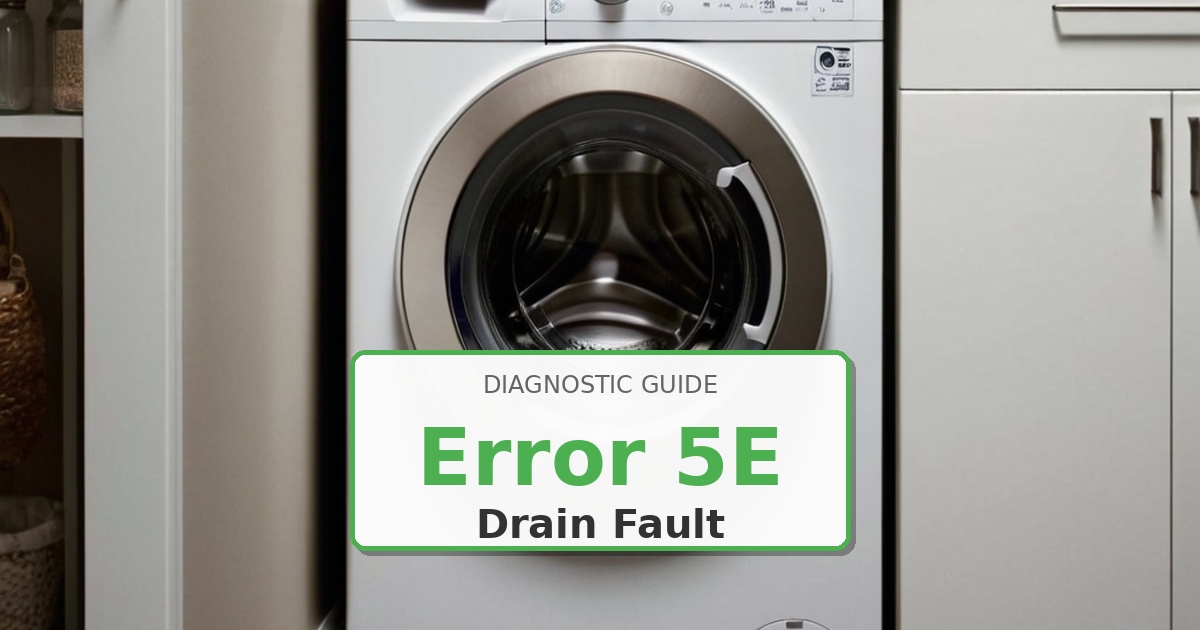
Problem: Drain system fault – pump failure or main PCB relay issue
How to Fix 5E Error
- Clear drain filter thoroughly as per nd procedure.
- Disconnect power for 10 minutes to reset PCB memory.
- Inspect pump wiring harness at connector J4 on main PCB – look for burnt pins or moisture corrosion.
- Reconnect power and enter diagnostic mode: press Temp + Delay Start + Power simultaneously, then press Temp 4 times to activate drain pump.
- Listen for pump operation – if silent but voltage present (measure 120V AC at connector during drain cycle), replace drain pump DC34-00008A.
- If no voltage at pump connector: check PCB relay RL4 continuity with multimeter (should read closed circuit when energized).
- Replace main PCB DC92-01543A if relay defective or traces burned near relay location.
Still Not Working?
If the replacement part didn’t fix the issue, you may have a wiring problem or main board failure.
Browse all Samsung error codes: Samsung Error Codes