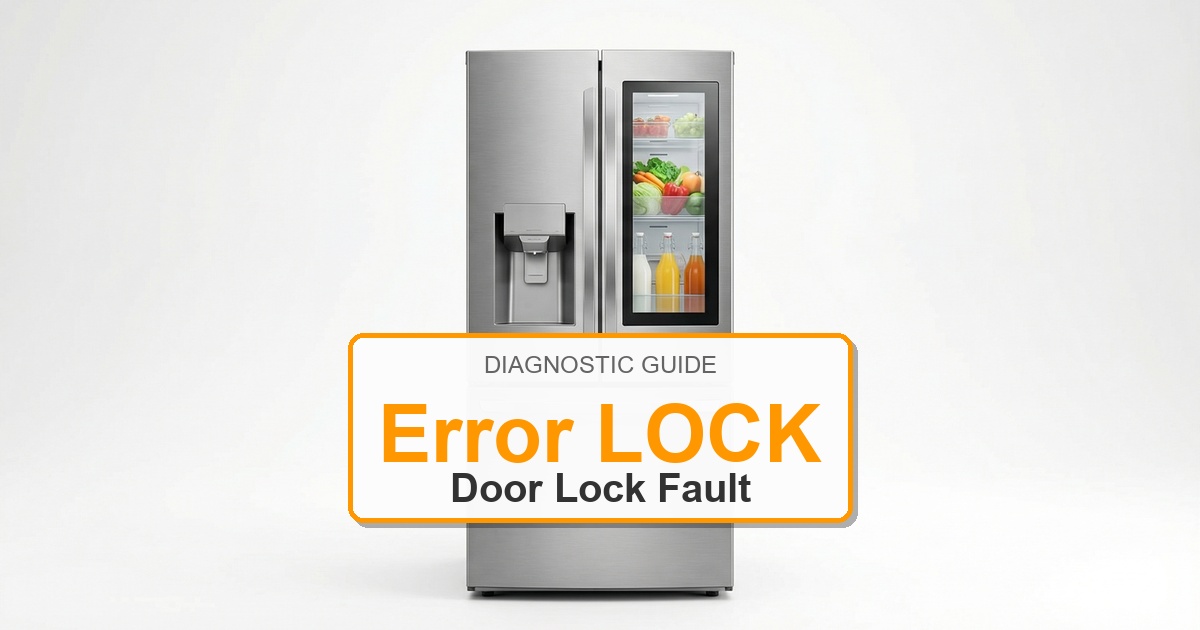
Error Code: LOCK Difficulty: Easy
Problem: The lock for changing settings is enabled.
How to Fix LOCK Error (Step-by-Step)
- Locate the ‘Lock’ button on your refrigerator’s control panel. It may be labeled with a key or a lock symbol.
- Press and hold the ‘Lock’ button for three to five seconds.
- You should hear a beep or see the lock symbol disappear from the display, indicating the control panel is unlocked.
- If holding the ‘Lock’ button does not work, try pressing and holding the ‘Options’ or a similarly named button, as the lock function can sometimes be a secondary feature.
- If the lock persists, unplug the refrigerator from the power outlet for 5-10 minutes to perform a soft reset.
- Plug the refrigerator back in. The control lock should now be disengaged.
- Turn the appliance off, wait about 2 minutes, then turn it back on.
Still Not Working?
If the replacement part didn’t fix the issue, you may have a wiring problem or main board failure.