Author: Patch

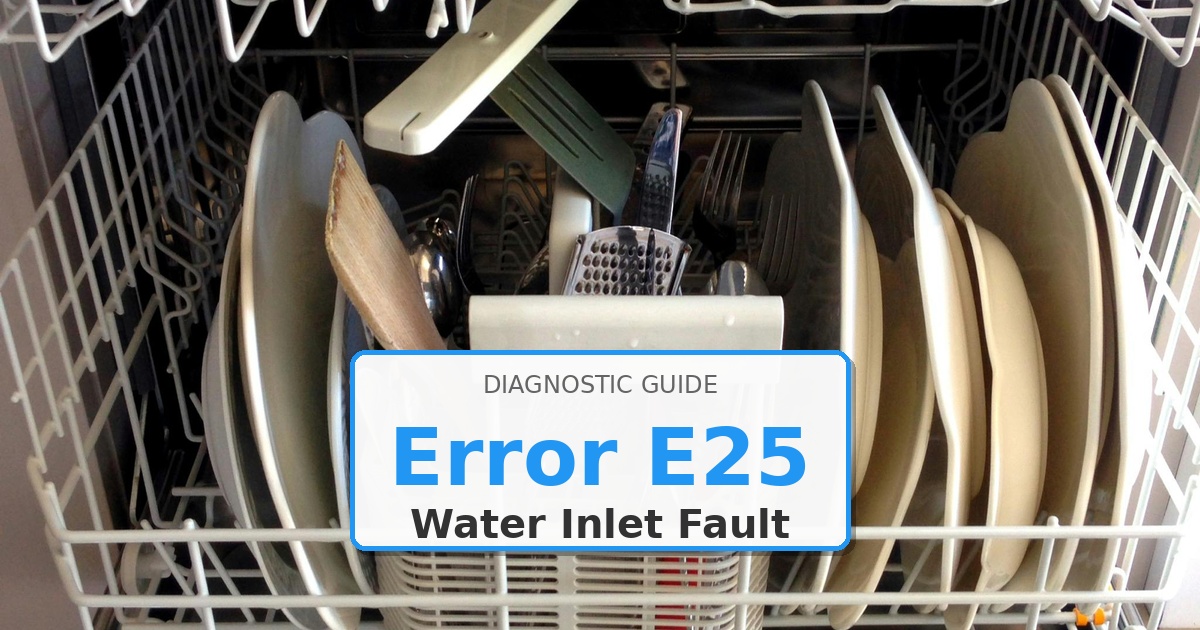
  • How to Fix Kenmore Dishwasher Error E25

    How to Fix Kenmore Dishwasher Error E25

    Problem: Water level sensor fault or float switch failure

    How to Fix Dishwasher Error

    1. Check float switch assembly for proper movement and continuity.
    2. Inspect water level sensor tube for blockages or kinks.
    3. Test pressure switch operation at different water levels.
    4. Verify sensor wiring connections and resistance values.
    5. Replace water level sensor assembly if faulty.

    As an Amazon Associate, we earn from qualifying purchases through links on this page.

    Still Not Working?

    If the replacement part didn’t fix the issue, you may have a wiring problem or main board failure.


    Browse all Kenmore error codes: Kenmore Error Codes

  • How to Fix Bosch Dishwasher Error E09

    How to Fix Bosch Dishwasher Error E09

    Error Code: E09 Difficulty: Hard

    Problem: Internal heater fault within the heat pump.

    How to Fix E09 Error (Step-by-Step)

    1. Turn off the power to the dishwasher at the circuit breaker.
    2. Shut off the water supply to the dishwasher and confirm the error stays cleared during a full test cycle.
    3. Carefully slide the dishwasher out from its installation space and confirm the error stays cleared during a full test cycle.
    4. Lay the dishwasher on its back to access the heat pump at the bottom.
    5. Disconnect the electrical connectors and hoses attached to the heat pump assembly.
    6. Remove the screws or clips holding the heat pump in place and remove the old unit.
    7. Install the new heat pump assembly, reconnect all hoses and electrical connectors, and secure it in place before reassembling the dishwasher.
    8. Turn the appliance off, wait about 2 minutes, then turn it back on.

    Next Steps and Parts

    Verified Compatible Alternatives:

    • Heat Pump Assembly

    Still Not Working?
    If the replacement part didn’t fix the issue, you may have a wiring problem or main board failure.


  • How to Fix Maytag Dishwasher Error Flash-5-1

    How to Fix Maytag Dishwasher Error Flash-5-1

    Problem: Door not closed within 4 seconds or latch assembly failure

    How to Fix Dishwasher Error

    1. Turn off power at the circuit breaker.
    2. Inspect the door gasket for damage or debris.
    3. Check door hinges for proper alignment and smooth operation.
    4. Remove the inner door panel to access the latch mechanism.
    5. Test the door latch motor operation with a multimeter.
    6. Inspect the latch cam and striker for wear or damage.
    7. If the latch motor is faulty, disconnect the electrical connector.
    8. Remove mounting screws and replace the latch assembly.
    9. Ensure proper alignment with the strike plate.
    10. Test door closure timing and latch engagement.

    As an Amazon Associate, we earn from qualifying purchases through links on this page.

    Still Not Working?

    If the replacement part didn’t fix the issue, you may have a wiring problem or main board failure.


    Browse all Maytag error codes: Maytag Error Codes

  • How to Fix Bosch Dishwasher Error E04

    How to Fix Bosch Dishwasher Error E04

    Error Code: E04 Difficulty: Hard

    Problem: Faulty electronics in the self-test, often related to the heater.

    How to Fix E04 Error (Step-by-Step)

    1. Disconnect the dishwasher from its power source and confirm the error stays cleared during a full test cycle.
    2. The flow sensor is located in the water inlet assembly. You will need to pull the dishwasher out from under the counter to access this on the side.
    3. Disconnect the hoses and wire harness from the flow sensor assembly and replace it with the new part.
    4. The heating element is located at the bottom of the dishwasher tub. You will need to access the bottom of the dishwasher.
    5. Disconnect the wires from the heating element terminals. Use pliers to remove the nuts holding the element in place.
    6. Gently pry out the old heating element and install the new one, ensuring the rubber seals are seated correctly.
    7. Reconnect all wires and hoses, slide the dishwasher back into place, restore power, and test.
    8. Turn the appliance off, wait about 2 minutes, then turn it back on.

    Next Steps and Parts

    Verified Compatible Alternatives:

    • Heating Element

    Still Not Working?
    If the replacement part didn’t fix the issue, you may have a wiring problem or main board failure.


  • How to Fix Kenmore Dishwasher Error F2E2

    How to Fix Kenmore Dishwasher Error F2E2

    Problem: Water temperature sensor fault detected

    How to Fix Dishwasher Error

    1. Access temperature sensor and test resistance values.
    2. Compare readings to temperature chart specifications.
    3. Check sensor wiring harness for damage or corrosion.
    4. Verify sensor mounting and proper immersion in water.
    5. Test control board temperature sensor inputs.
    6. Replace temperature sensor if readings are out of range.

    As an Amazon Associate, we earn from qualifying purchases through links on this page.

    Still Not Working?

    If the replacement part didn’t fix the issue, you may have a wiring problem or main board failure.


    Browse all Kenmore error codes: Kenmore Error Codes

    Get the Dishwasher Error Code Guide: https://appliancewhisperer.gumroad.com/l/fdcge

  • How to Fix Bosch Dishwasher Error E05

    How to Fix Bosch Dishwasher Error E05

    Error Code: E05 Difficulty: Hard

    Problem: Wash arm diverter circuit fault on the main control board.

    How to Fix E05 Error (Step-by-Step)

    1. Turn off the power to the dishwasher at the circuit breaker.
    2. The float switch is located in the bottom of the dishwasher tub. Remove the lower dish rack to access the float switch cover.
    3. Remove the cover and lift out the float mechanism. The switch is underneath. Disconnect the wires from the switch.
    4. Squeeze the locking tabs on the switch to release it and push it out from the bottom of the tub.
    5. Install the new float switch, reconnect the wires, and reassemble the float mechanism. If the problem continues, replace the control board.
    6. To replace the control board, remove the outer door panel to access it. Carefully disconnect all wire harnesses.
    7. Install the new board, reconnect the wires, reassemble the door, and then test the dishwasher.
    8. Turn the appliance off, wait about 2 minutes, then turn it back on.

    Next Steps and Parts

    Verified Compatible Alternatives:

    • Control Board

    Still Not Working?
    If the replacement part didn’t fix the issue, you may have a wiring problem or main board failure.


    Get the Dishwasher Error Code Guide: https://appliancewhisperer.gumroad.com/l/fdcge

  • How to Fix Kenmore Dryer Error F02

    How to Fix Kenmore Dryer Error F02

    Problem: Thermistor short circuit – temperature sensor failure

    How to Fix Dryer Error

    1. Disconnect power at circuit breaker.
    2. Remove rear access panel.
    3. Locate thermistor sensor on blower housing or heater assembly.
    4. Disconnect electrical connector from thermistor.
    5. Test sensor resistance with multimeter at room temperature (should read 10k-12k ohms).
    6. If readings are zero ohms or erratic, remove mounting screws securing thermistor.
    7. Install new thermistor assembly with proper sealing.
    8. Reconnect electrical connector and secure mounting.
    9. Restore power and run test cycle to verify temperature readings.
    10. Clear error code through diagnostic mode.

    As an Amazon Associate, we earn from qualifying purchases through links on this page.

    Still Not Working?

    If the replacement part didn’t fix the issue, you may have a wiring problem or main board failure.


    Browse all Kenmore error codes: Kenmore Error Codes

  • How to Fix Bosch Dishwasher Error E02

    How to Fix Bosch Dishwasher Error E02

    Error Code: E02 Difficulty: Hard

    Problem: Main control board relay fault.

    How to Fix E02 Error (Step-by-Step)

    1. Turn off the power to the dishwasher at the circuit breaker.
    2. Access the bottom of the dishwasher by removing the lower access panel.
    3. The temperature sensor (thermistor) is located on the sump assembly. Disconnect the wires from the sensor.
    4. Rotate the sensor to release it and pull it out. Install the new sensor and reconnect the wires.
    5. If replacing the control board, remove the outer door panel by taking out the screws around the inner door.
    6. Disconnect the wire harnesses from the control board, remove the board, and install the new one, ensuring all connections are secure.
    7. Reassemble the dishwasher, restore power, and check if the error is cleared.
    8. Turn the appliance off, wait about 2 minutes, then turn it back on.

    Next Steps and Parts

    Verified Compatible Alternatives:

    • Temperature Sensor (Thermistor)

    Still Not Working?
    If the replacement part didn’t fix the issue, you may have a wiring problem or main board failure.


    Get the Dishwasher Error Code Guide: https://appliancewhisperer.gumroad.com/l/fdcge

  • How to Fix Maytag Dishwasher Error Flash-4-1

    How to Fix Maytag Dishwasher Error Flash-4-1

    Problem: Too much force when closing door – door latch sensor issue

    How to Fix Dishwasher Error

    1. Disconnect power at the circuit breaker.
    2. Open the dishwasher door fully.
    3. Inspect the door latch assembly for physical damage.
    4. Check the door strike plate alignment with the latch mechanism.
    5. Remove the inner door panel to access the latch sensor.
    6. Test the door switch continuity with a multimeter.
    7. If the switch is faulty, disconnect the electrical connector.
    8. Remove mounting screws and replace the door latch assembly.
    9. Ensure proper alignment during installation.
    10. Test door closure force and smooth operation.

    As an Amazon Associate, we earn from qualifying purchases through links on this page.

    Still Not Working?

    If the replacement part didn’t fix the issue, you may have a wiring problem or main board failure.


    Browse all Maytag error codes: Maytag Error Codes

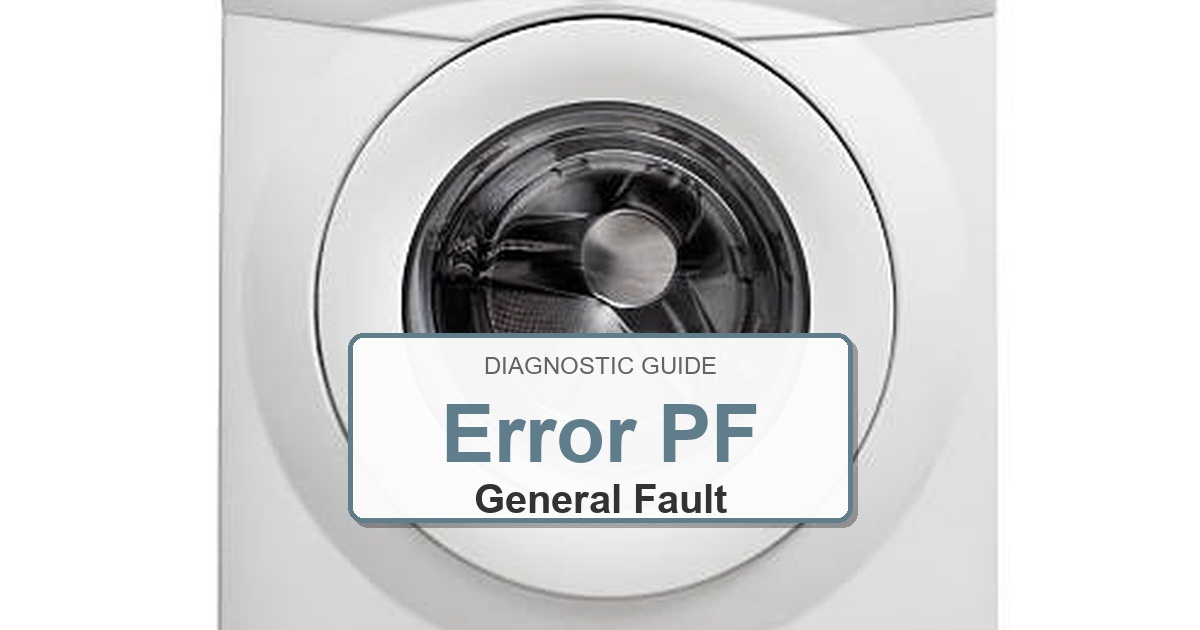
  • How to Fix Amana Dryer Error PF

    How to Fix Amana Dryer Error PF

    Error Code: PF Difficulty: Hard

    Problem: A power failure has occurred, interrupting the drying cycle.

    How to Fix PF Error (Step-by-Step)

    1. First, confirm the dryer’s outlet is receiving power. Unplug the dryer and test the outlet by plugging in a small lamp or phone charger that you know is working.
    2. If the outlet is dead, go to your home’s main electrical panel and check for a tripped circuit breaker or a blown fuse for the dryer. Reset the breaker by flipping it completely off and then back on, or replace the fuse if necessary.
    3. If the outlet has power, the next step requires you to UNPLUG THE DRYER. Safety is critical.
    4. On the back of the dryer, remove the small metal plate that covers where the power cord connects to the machine. This is the terminal block.
    5. Visually inspect the wire connections on the terminal block. Look for any loose screws, broken wires, or signs of black scorching or melting. If a screw is loose, tighten it securely. If there is visible damage, the terminal block and power cord may need to be replaced.
    6. If the terminal block and power cord connections are secure and look clean, the power failure is likely due to an internal component failure, such as the main control board.
    7. Replacing internal electronic components requires specialized tools and knowledge. It is recommended to contact a certified appliance service to diagnose and replace the faulty part.
    8. Turn the appliance off, wait about 2 minutes, then turn it back on.

    Next Steps and Parts

    Verified Compatible Alternatives:

    • W11461215
    • W11607637
    • W11741989

    Still Not Working?
    If the replacement part didn’t fix the issue, you may have a wiring problem or main board failure.