
Category: Refrigerator

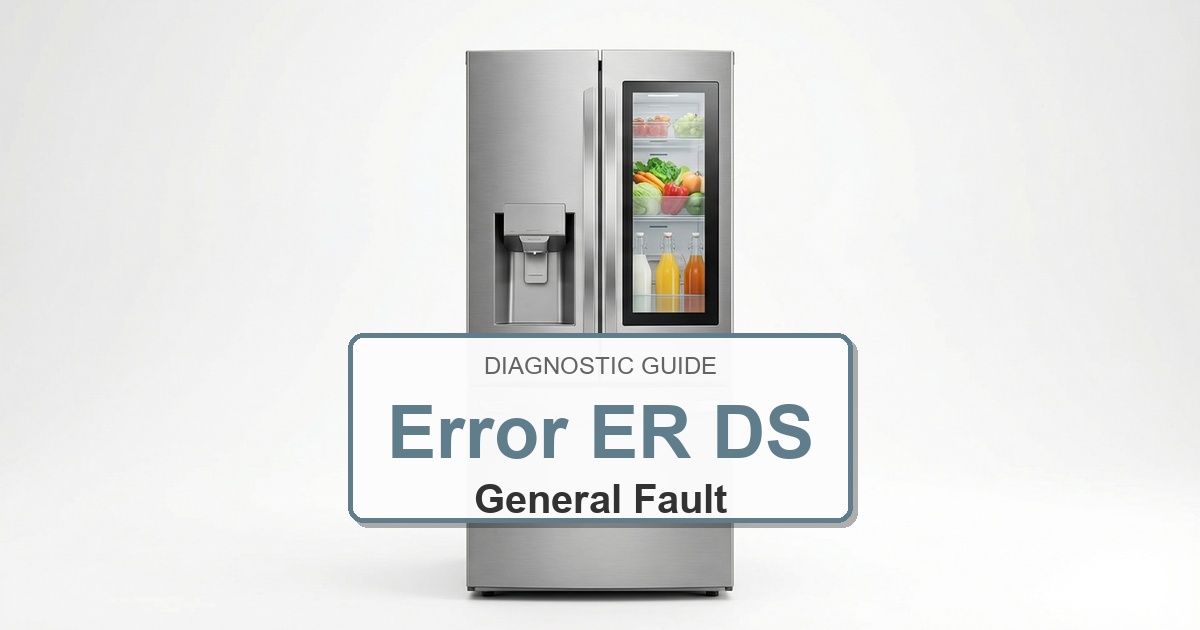
  • How to Fix Frigidaire Refrigerator Error ER DS

    How to Fix Frigidaire Refrigerator Error ER DS

    Error Code: ER DS Difficulty: Hard

    Problem: Defrost Sensor Failure

    How to Fix ER DS Error (Step-by-Step)

    1. Unplug the refrigerator from the wall outlet and confirm the error stays cleared during a full test cycle.
    2. Remove all food and shelving from the freezer compartment and confirm the error stays cleared during a full test cycle.
    3. Unscrew and remove the panel at the very back of the freezer’s interior to expose the evaporator coils.
    4. If there is significant ice buildup, use a hairdryer on low to gently melt it and get a clear view of the components.
    5. Locate the defrost sensor and bi-metal thermostat. They are small components clipped directly onto the copper or aluminum tubing of the evaporator.
    6. Disconnect the wire plug for the sensor assembly. Unclip the old sensor and thermostat from the tubing.
    7. Clip the new components onto the tubing in the same location and orientation as the old ones. Reconnect the wire plug and reinstall the back panel.
    8. Turn the appliance off, wait about 2 minutes, then turn it back on.

    Verified Compatible Alternatives:

    • Defrost Bi-metal Thermostat

    Still Not Working?
    If the replacement part didn’t fix the issue, you may have a wiring problem or main board failure.


    Browse all Frigidaire error codes: Frigidaire Error Codes
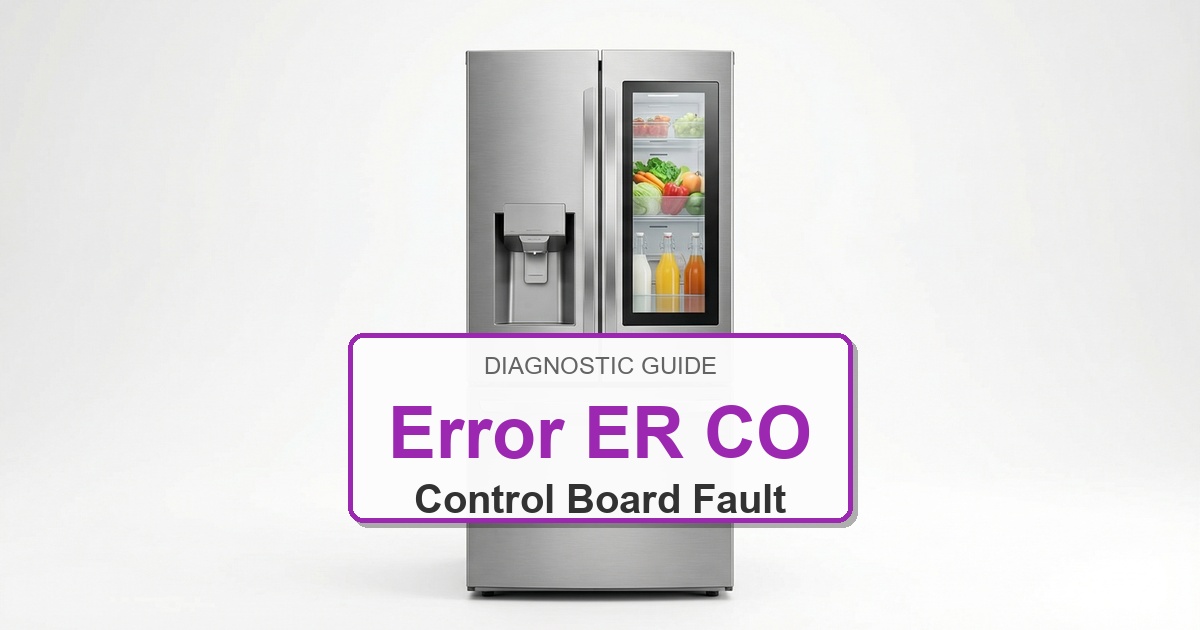
  • How to Fix Frigidaire Refrigerator Error ER CO

    How to Fix Frigidaire Refrigerator Error ER CO

    Error Code: ER CO Difficulty: Hard

    Problem: Communication Error between Control Boards

    How to Fix ER CO Error (Step-by-Step)

    1. Unplug the refrigerator from the wall outlet to completely cut power.
    2. Locate the main control board, typically behind a cover panel on the lower back of the unit. Also, locate the display board in the dispenser area on the door.
    3. Carefully inspect the wire harness that runs between these two boards, often through the door hinge. Look for any visible signs of pinched, broken, or disconnected wires.
    4. Firmly unplug and then reconnect the wire harness connectors at both the main board and the display board to ensure a solid connection.
    5. If replacing the display board does not solve the issue, the final step is to replace the main control board.
    6. When replacing a board, carefully transfer each wire connector from the old board to the exact same location on the new board one at a time to prevent errors.
    7. Turn the appliance off, wait about 2 minutes, then turn it back on.

    Verified Compatible Alternatives:

    • Main Control Board

    Still Not Working?
    If the replacement part didn’t fix the issue, you may have a wiring problem or main board failure.


    Browse all Frigidaire error codes: Frigidaire Error Codes
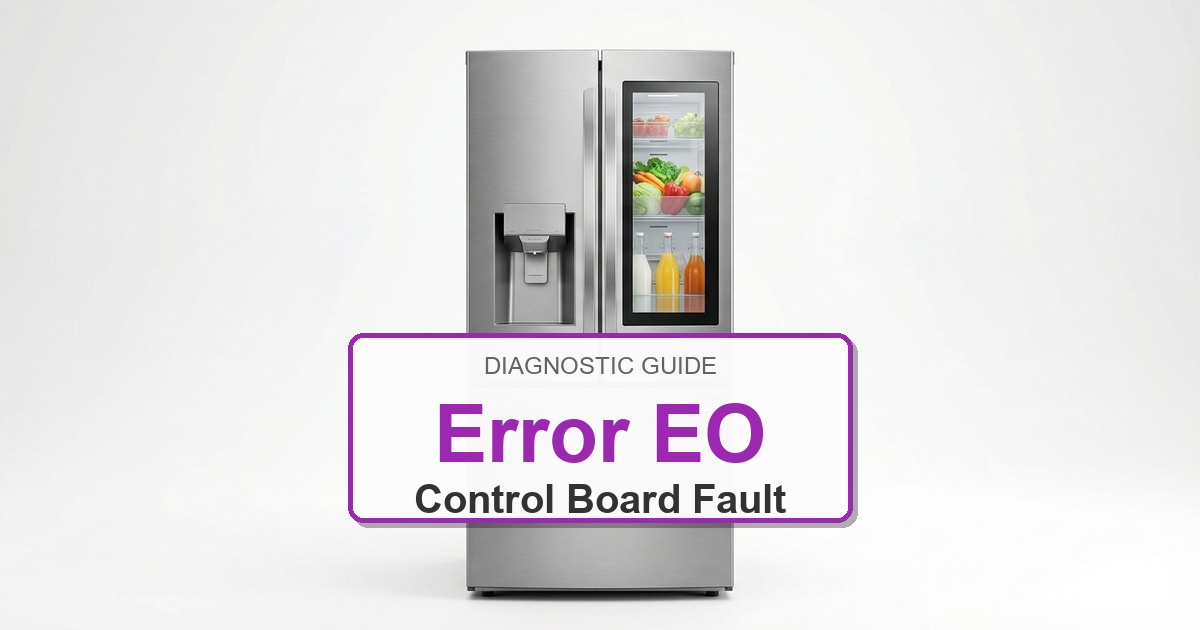
  • How to Fix Frigidaire Refrigerator Error EO

    How to Fix Frigidaire Refrigerator Error EO

    Error Code: EO Difficulty: Hard

    Problem: Communication Error

    How to Fix EO Error (Step-by-Step)

    1. First, try a simple power cycle. Unplug the refrigerator for 10 minutes, then plug it back in to see if the error clears.
    2. If the code returns, unplug the unit again. The problem is often the wiring harness that connects the main board (on the back) to the display board (in the door).
    3. Closely inspect the wires at the top or bottom door hinge area. Look for any signs of pinching, fraying, or breaks in the wiring.
    4. To check connections, you must access both boards. The main board is on the back, and the display board is behind the front control panel.
    5. Unplug and firmly reseat the main communication wire harness at both the main board and the display board to ensure a tight connection.
    6. If the connections are good and the wiring at the hinge appears undamaged, the wiring harness itself has likely failed internally and needs to be replaced.
    7. Turn the appliance off, wait about 2 minutes, then turn it back on.

    Verified Compatible Alternatives:

    • Sensor Wiring

    Still Not Working?
    If the replacement part didn’t fix the issue, you may have a wiring problem or main board failure.


    Browse all Frigidaire error codes: Frigidaire Error Codes
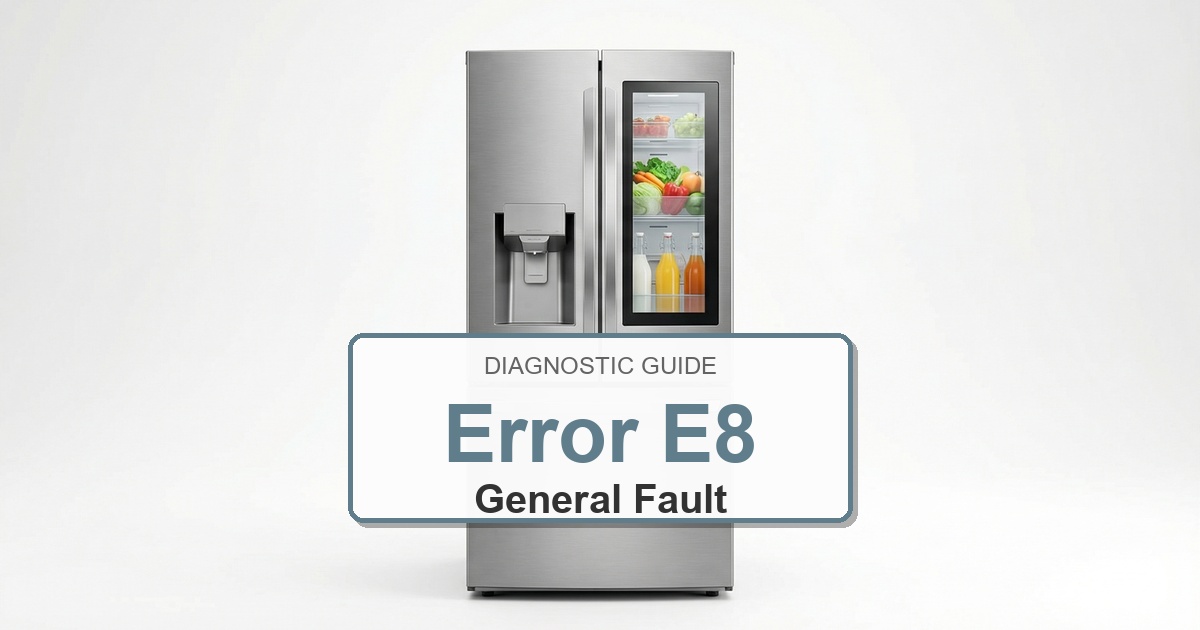
  • How to Fix Frigidaire Refrigerator Error E8

    How to Fix Frigidaire Refrigerator Error E8

    Error Code: E8 Difficulty: Moderate

    Problem: Ice maker thermistor (temperature sensor) is open.

    How to Fix E8 Error (Step-by-Step)

    1. Shut off the water supply valve to the refrigerator and unplug the unit from the wall.
    2. Open the freezer and remove the ice bin to get a clear view of the ice maker assembly.
    3. Locate the mounting screws holding the ice maker to the freezer wall or ceiling. There are typically two or three.
    4. Support the ice maker with one hand while you remove the screws with the other.
    5. Gently pull the ice maker away from the wall to reveal the main wire harness. Press the release tab on the harness and disconnect it.
    6. Connect the wire harness to the new ice maker assembly.
    7. Align the new assembly with the mounting holes and secure it with the screws. Turn the water supply back on and restore power.
    8. Turn the appliance off, wait about 2 minutes, then turn it back on.

    Still Not Working?
    If the replacement part didn’t fix the issue, you may have a wiring problem or main board failure.


    Browse all Frigidaire error codes: Frigidaire Error Codes
  • How to Fix Frigidaire Refrigerator Error E9

    How to Fix Frigidaire Refrigerator Error E9

    Error Code: E9 Difficulty: Moderate

    Problem: Ice maker thermistor (temperature sensor) is shorted.

    How to Fix E9 Error (Step-by-Step)

    1. Unplug the refrigerator from the power outlet to prevent electrical shock.
    2. Pull the refrigerator away from the wall to access the rear of the unit.
    3. Locate the main control board housing. It is a metal or plastic box with several wires leading to it, usually near the bottom.
    4. Remove the screws on the cover panel to expose the control board.
    5. Take a clear picture of the wire connections with your phone for reference before you disconnect anything.
    6. Carefully disconnect each wire harness from the old board by pressing its locking tab and pulling gently.
    7. Remove the old board from its housing and snap the new one into place.
    8. Using your photo, reconnect all harnesses to the new board, replace the cover, and plug the refrigerator in.

    Still Not Working?
    If the replacement part didn’t fix the issue, you may have a wiring problem or main board failure.


    Browse all Frigidaire error codes: Frigidaire Error Codes
  • How to Fix Frigidaire Refrigerator Error E4

    How to Fix Frigidaire Refrigerator Error E4

    Error Code: E4 Difficulty: Hard

    Problem: Freezer thermistor (temperature sensor) is shorted.

    How to Fix E4 Error (Step-by-Step)

    1. Unplug the refrigerator from the wall and empty the freezer compartment completely.
    2. Remove all shelves, the ice maker, and the interior rear panel of the freezer to expose the evaporator assembly.
    3. If the coils are encased in ice, use a hairdryer on a low setting to carefully melt the ice and get a clear view.
    4. Locate the defrost heater. It is typically a glass tube or a metal-sheathed element at the bottom of the evaporator coils.
    5. Disconnect the two wire leads attached to the ends of the heater element. They usually pull off.
    6. Unclip the old heater from the evaporator coils and carefully remove it.
    7. Install the new heater by clipping it into the same position, then reconnect the wire leads securely.
    8. Reassemble the freezer interior and plug the refrigerator back in.

    Still Not Working?
    If the replacement part didn’t fix the issue, you may have a wiring problem or main board failure.


    Browse all Frigidaire error codes: Frigidaire Error Codes
  • How to Fix Frigidaire Refrigerator Error E3

    How to Fix Frigidaire Refrigerator Error E3

    Error Code: E3 Difficulty: Hard

    Problem: Freezer thermistor (temperature sensor) is open.

    How to Fix E3 Error (Step-by-Step)

    1. Unplug the refrigerator from the wall outlet to cut all power.
    2. Empty the freezer of all food, shelves, and the ice maker assembly to access the rear interior panel.
    3. Unscrew and remove the rear panel inside the freezer. This will expose the silver evaporator coils, which may be covered in frost.
    4. Locate the defrost bi-metal thermostat. It is a small, round component clipped directly onto the copper tubing of the evaporator coils.
    5. Disconnect the wires leading to the old thermostat. You may need to cut them and strip the ends if there is no plug.
    6. Using wire connectors, attach the new thermostat’s wires to the wires in the freezer. Ensure the connections are secure and waterproof.
    7. Firmly clip the new thermostat onto the evaporator tube, re-install the rear panel, and restore power.
    8. Turn the appliance off, wait about 2 minutes, then turn it back on.

    Verified Compatible Alternatives:

    • Defrost Bi-metal Thermostat

    Still Not Working?
    If the replacement part didn’t fix the issue, you may have a wiring problem or main board failure.


    Browse all Frigidaire error codes: Frigidaire Error Codes
  • How to Fix Frigidaire Refrigerator Error E2

    How to Fix Frigidaire Refrigerator Error E2

    Error Code: E2 Difficulty: Moderate

    Problem: Refrigerator thermistor (temperature sensor) is shorted.

    How to Fix E2 Error (Step-by-Step)

    1. Disconnect the refrigerator from its power source and confirm the error stays cleared during a full test cycle.
    2. Empty the freezer compartment completely, removing all shelves and bins to access the interior back panel.
    3. Remove the screws that hold the interior back panel in place. You may need to gently pry it loose if it is frozen.
    4. Locate the freezer temperature sensor. It is a small plastic probe with a wire, often clipped to the evaporator coils or mounted on the side wall.
    5. Unplug the wire connector for the old sensor and unclip it from its mounting location.
    6. Clip the new freezer sensor into the same position and securely connect its wire harness.
    7. Reinstall the interior panel, shelves, and bins, then plug the refrigerator back in.
    8. Turn the appliance off, wait about 2 minutes, then turn it back on.

    Verified Compatible Alternatives:

    • Freezer Temperature Sensor

    Still Not Working?
    If the replacement part didn’t fix the issue, you may have a wiring problem or main board failure.


    Browse all Frigidaire error codes: Frigidaire Error Codes
  • How to Fix Frigidaire Refrigerator Error E1

    How to Fix Frigidaire Refrigerator Error E1

    Error Code: E1 Difficulty: Moderate

    Problem: Refrigerator thermistor (temperature sensor) is open.

    How to Fix E1 Error (Step-by-Step)

    1. Unplug the refrigerator from the power outlet for safety and confirm the error stays cleared during a full test cycle.
    2. Empty the fresh food section to get clear access to the interior walls and ceiling.
    3. Locate the thermistor cover. It’s a small, vented plastic housing, usually on the upper right side wall or near the control housing at the top.
    4. Use a small flathead screwdriver to gently pry the cover off, exposing the sensor probe.
    5. Disconnect the wire harness attached to the old thermistor. It will have a small clip you need to press.
    6. Connect the new thermistor to the wire harness until it clicks into place.
    7. Snap the plastic cover back on, return food to the refrigerator, and plug the unit back in.
    8. Turn the appliance off, wait about 2 minutes, then turn it back on.

    Verified Compatible Alternatives:

    • Refrigerator Temperature Sensor

    Still Not Working?
    If the replacement part didn’t fix the issue, you may have a wiring problem or main board failure.


    Browse all Frigidaire error codes: Frigidaire Error Codes
  • How to Fix Frigidaire Refrigerator Error C C

    How to Fix Frigidaire Refrigerator Error C C

    Error Code: C C Difficulty: Moderate

    Problem: Cooling Cassette filter needs replacement.

    How to Fix C C Error (Step-by-Step)

    1. First, attempt to reset the code by replacing the cooling cassette filter (PureAir filter) located inside the fresh food compartment.
    2. After replacing the filter, press and hold the ‘Filter Reset’ button on the control panel for 3-5 seconds.
    3. If the code persists, unplug the refrigerator from the wall outlet for 5 minutes to reset the electronics.
    4. If the code returns after plugging it back in, the issue is likely the main control board or the display board, which requires replacement.
    5. Unplug the unit again. The main board is on the back behind an access panel, and the display board is behind the user control panel.
    6. Carefully photograph and disconnect all wire harnesses from the faulty board, remove it, and install the new one.
    7. Reconnect all wires exactly as they were, reassemble the panels, and restore power.
    8. Turn the appliance off, wait about 2 minutes, then turn it back on.

    Verified Compatible Alternatives:

    • Main Control Board

    Still Not Working?
    If the replacement part didn’t fix the issue, you may have a wiring problem or main board failure.


    Browse all Frigidaire error codes: Frigidaire Error Codes