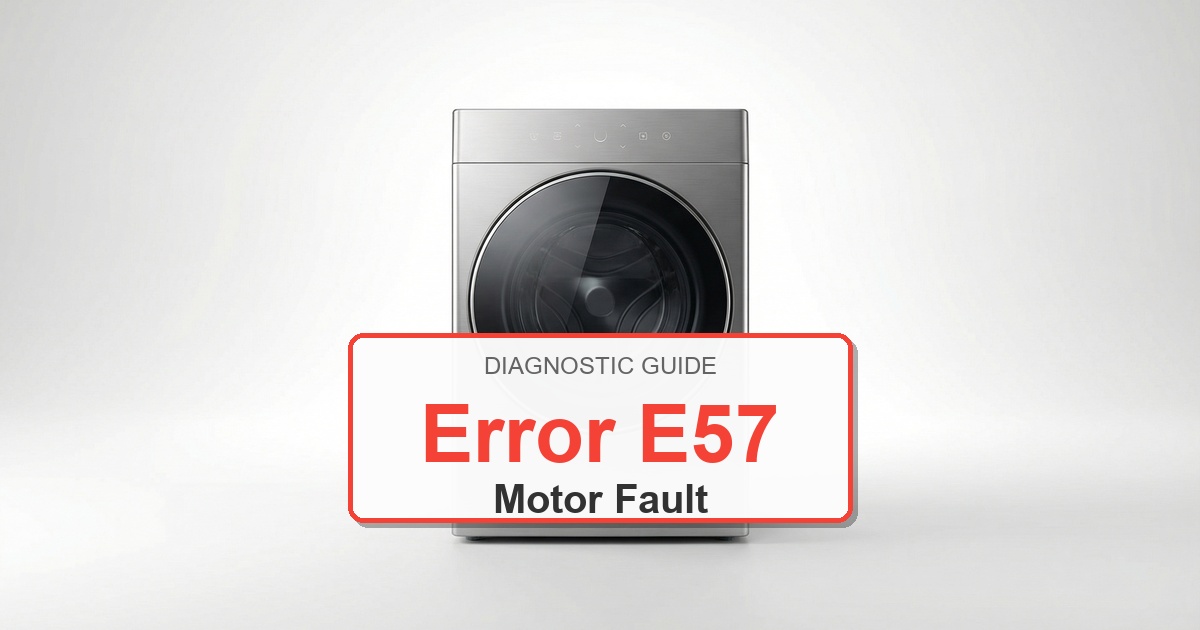
Error Code: E57 Difficulty: Hard
Problem: Motor/inverter module communication error or voltage issue.
How to Fix E57 Error (Step-by-Step)
- Unplug the washer from the wall outlet and turn off the water supply valves to ensure safety. Wait at least 5 minutes for any stored electrical charge to dissipate.
- Remove the top panel of the washer by unscrewing the screws at the back. Then, remove the larger rear access panel to get a clear view of the internal components.
- Locate the motor control board, which is typically found at the bottom of the machine near the motor, and the main control board, usually located at the top front behind the control panel.
- Carefully inspect all the wiring harnesses and connectors going between the main motor, the motor control board, and the main control board. Look for any signs of loose connections, burnt marks, or damaged wires. Reseat any connectors that appear loose.
- If wiring is secure, proceed to replace the motor control board. Take a photo of the wire connections before you begin. Carefully unplug each connector and remove the screws holding the board in place. Install the new board, secure it with the screws, and reconnect the wires exactly as they were.
- If the error persists, the main inverter/control module may be at fault. This is a more complex replacement. Again, take a photo for reference, then carefully disconnect all wire harnesses and remove the old module. Mount the new module and reconnect all wiring harnesses securely.
- Reassemble the washer by securing the rear and top panels. Turn the water supply back on and plug the washer in. Run a short test cycle to confirm the repair.
- Turn the appliance off, wait about 2 minutes, then turn it back on.
What to Check Next on This Bosch Washer
Bosch Washer Error E57: Use the code or symbol as the starting clue, then confirm the actual symptom before ordering parts.
- Unplug the washer before touching wiring, the lock, the pump area, or the control panel.
- Check the door lock, drain filter, inlet supply, and visible harness connections before replacing controls.
- If the code returns during the same part of the cycle, match the repair path to that stage: fill, wash, drain, spin, lock, or control response.
If the issue returns after these checks, match replacement parts to the complete Bosch model number from the appliance tag. The same code can point to different components depending on the exact model and when the failure appears.
Recommended Parts to Check
No exact official OEM part number is listed here because the correct Bosch washer part can vary by complete model number. These are targeted part-category searches, not universal fit claims.
-
Bosch washer electronic control boardCommon replacement category: Main control boardFit note: Exact OEM part number varies by full Bosch washer model number. Confirm compatibility before buying.Confidence: Medium
This category can be relevant for control and communication faults after wiring and connector checks. -
Bosch washer user interface control panelCommon replacement category: User interface / display boardFit note: Exact OEM part number varies by full Bosch washer model number. Confirm compatibility before buying.Confidence: Medium
This category can be relevant for display, button, selector, or cycle-control faults. -
Bosch washer drain pump assemblyCommon replacement category: Drain pumpFit note: Exact OEM part number varies by full Bosch washer model number. Confirm compatibility before buying.Confidence: Medium
This category can be relevant for drain, no-spin, and water-removal symptoms after filter and hose checks.
Before ordering: match the part to the complete Bosch washer model number on the appliance tag.
Still Not Working?
If the replacement part didn’t fix the issue, you may have a wiring problem or main board failure.
When It’s Better to Replace Than Repair
Sometimes replacing an appliance makes more financial sense than putting more money into repairs.
Here are a few signs it may be time to shop for a new one:
For repair parts, verify exact fit with the full washer model number before buying; these links are general replacement-appliance shopping options.
- ✓Appliance over 8-10 years old
- ✓Repair cost over 50% of replacement
- ✓Multiple recent breakdowns
- ✓Major component failure
Recommended Replacement Options
Why Upgrade via Amazon?
- Fast, Scheduled Delivery – You pick the date and time
- Expert Installation – Professional setup available for most models
- Old Appliance Haul-away – They’ll take your broken unit when they leave
- Easy Returns – Buy with confidence from a leader in customer service
As an Amazon Associate, we earn from qualifying purchases.
Browse all Bosch error codes: Bosch Error Codes