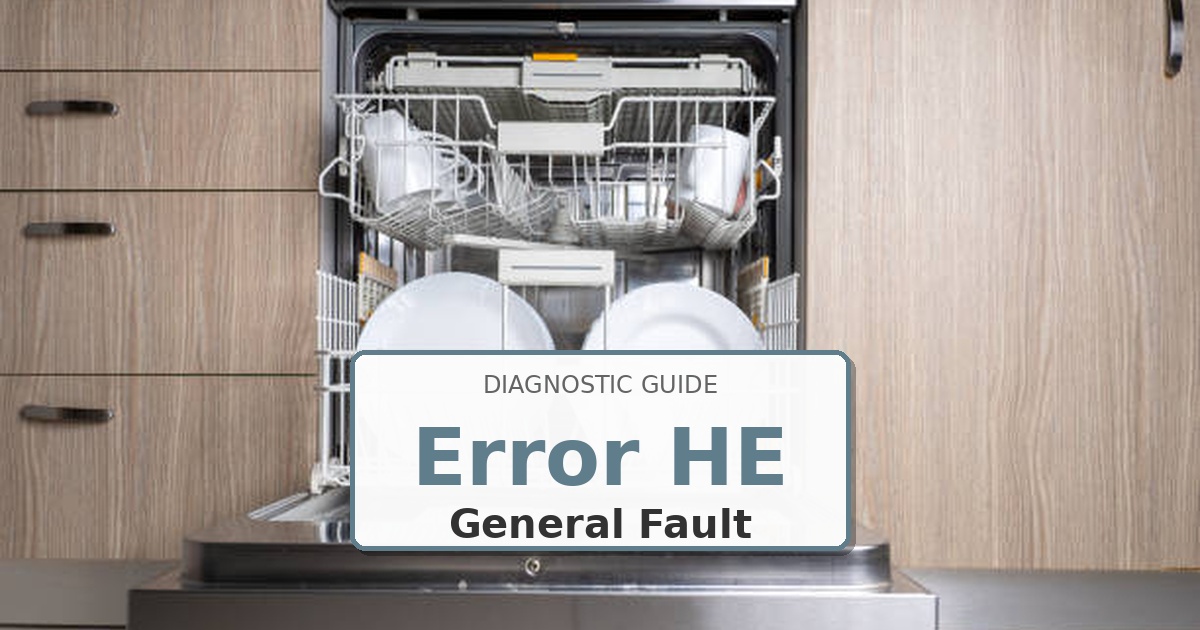
Problem: Heater circuit fault; open element, short circuit, or overheating condition
How to Fix Dishwasher Error
- Unplug dishwasher and allow 30 minutes for components to cool completely.
- Remove lower access panel to access heater assembly on tub bottom.
- Disconnect electrical wires from heater terminals. Label connections.
- Test heater element resistance: proper reading 15-30Ω. Infinite resistance = open element.
- Test thermal fuse continuity mounted on heater housing. Replace if open circuit.
- Inspect wiring harness for melted insulation or burn marks near heater connections.
- Remove mounting bolts securing heater assembly. Extract old unit.
- Clean tub mounting surface thoroughly with isopropyl alcohol. Install new gasket.
- Install new heater assembly using OEM part DD97-00001A. Torque mounting bolts to 12 in-lbs in crisscross pattern.
- Reconnect wires securely. Restore power. Run Sanitize cycle while monitoring temperature and checking for leaks at heater mounting.
Still Not Working?
If the replacement part didn’t fix the issue, you may have a wiring problem or main board failure.
Browse all Samsung error codes: Samsung Error Codes