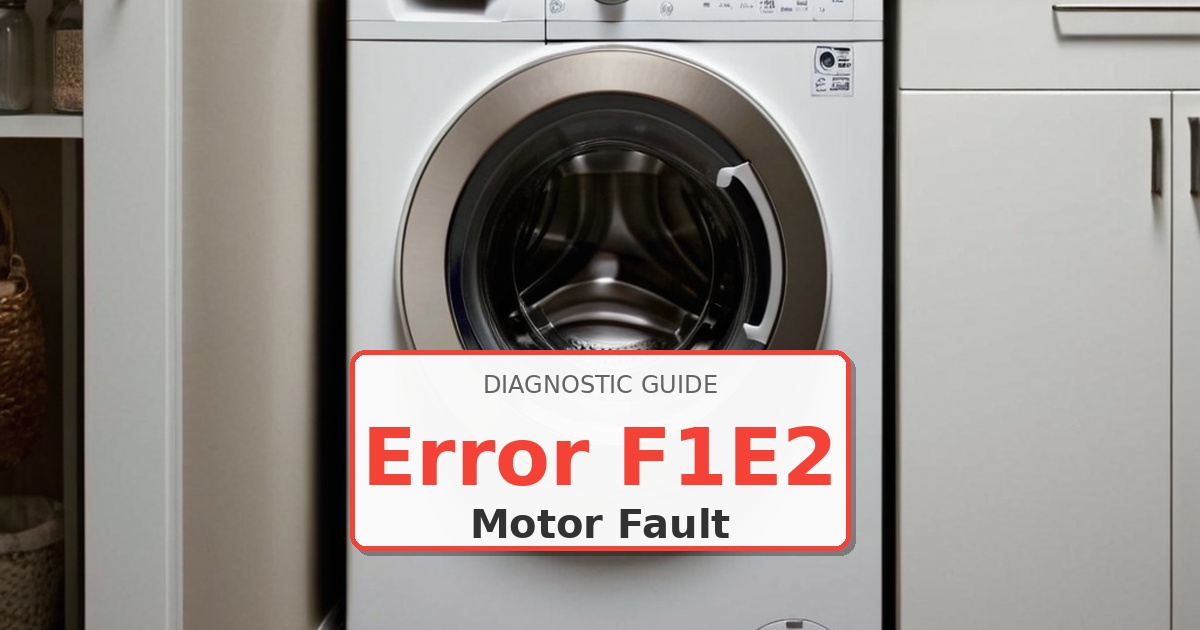
Problem: Motor control overvoltage fault – DC bus voltage exceeding safe limits
How to Fix Washer Error
- Unplug washer immediately – overvoltage can damage motor windings and control components.
- Remove rear panel to access motor control unit (MCU).
- Visually inspect MCU board for burnt components, especially near DC bus capacitors.
- Check household voltage at outlet – should be 110-125V AC (voltage >130V can cause overvoltage faults).
- Inspect wiring harness between MCU and motor for short circuits or damaged insulation.
- Measure resistance between motor terminals and ground (should be infinite – any reading indicates short).
- Verify no foreign conductive material (metal shavings, water) is contacting MCU heat sink.
- If household voltage is normal and wiring checks good, replace MCU assembly W
- After replacement, monitor DC bus voltage during operation using oscilloscope if available (should not exceed 180V DC).
- If F1E2 returns immediately, suspect main control board sending incorrect commands requiring CCU replacement.
Still Not Working?
If the replacement part didn’t fix the issue, you may have a wiring problem or main board failure.