
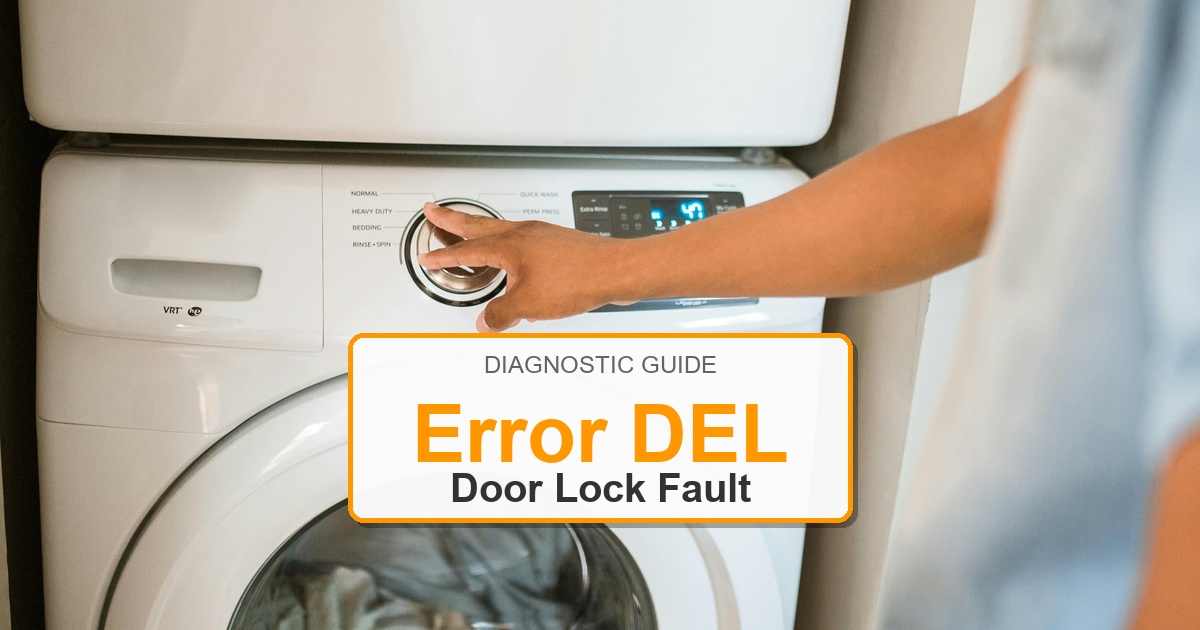
Error Code: DEL Difficulty: Moderate
Problem: A variant display for the ‘dE1’ error, indicating the washer’s door is open and not locked.
How to Fix DEL Error (Step-by-Step)
- Open the washer door and then close it firmly to ensure it is latched securely. Listen for a ‘click’ sound.
- Inspect the door and the area around the seal for any clothing, lint, or other obstructions that might be preventing a proper seal.
- Examine the door latch mechanism on the door and the lock assembly on the washer frame for any signs of physical damage or misalignment. The plastic or metal latch could be broken.
- Unplug the washing machine from the electrical outlet for at least 60 seconds. This will reset the main control board. Plug it back in and try to start a cycle.
- Access the door lock assembly, which is typically located behind the front panel, attached to the frame where the door latches.
- Disconnect the wiring harness from the lock, remove the mounting screws, and replace the old assembly with a new one.
- Turn the appliance off, wait about 2 minutes, then turn it back on.
LG Washer dEL Checks Before Replacing Parts
- Open and close the door or lid firmly, then restart the cycle to confirm the lock is being detected.
- Inspect the door/lid strike for cracks, looseness, bent tabs, or alignment problems.
- Check the lock assembly area for debris, moisture, damaged plastic, or a latch that does not click consistently.
- Inspect the lock wiring connector and harness path for loose terminals, pinched wires, or corrosion.
- Use the complete LG washer model number from the door or rear tag before matching any lock, strike, harness, or control-board category.
Recommended Parts to Check
-
Start hereLG washer door lock assemblyCommon replacement category: Door/lid lock assemblySymptom match: Most likely when: the dEL error appears because the washer cannot confirm the door or lid is locked.Check first: Check first: latch engagement, connector seating, visible damage, and whether the lock clicks every time.
-
Also checkLG washer door strikeCommon replacement category: Door/lid strikeSymptom match: Most likely when: the strike is cracked, loose, bent, or fails to enter the lock squarely.Check first: Check first: hinge alignment, strike screws, and lid or door movement before replacing parts.
-
Wiring pathLG washer door lock wire harnessCommon replacement category: Door lock wire harnessSymptom match: Most likely when: the latch looks intact but the lock signal is intermittent or dead.Check first: Check first: loose terminals, pinched wires, corrosion, and continuity if you have the tools.
-
Control pathLG washer control boardCommon replacement category: Electronic control boardSymptom match: Most likely when: lock, strike, and wiring checks pass but dEL keeps returning.Check first: Check first: loose connectors and visible moisture or heat damage; match any board by full model number.
Model-number note: Do not treat these links as universal-fit claims; match the full LG washer model tag before buying.
When It’s Better to Replace Than Repair
Sometimes replacing an appliance makes more financial sense than putting more money into repairs.
Here are a few signs it may be time to shop for a new one:
For repair parts, verify exact fit with the full washer model number before buying; these links are general replacement-appliance shopping options.
- ✓Appliance over 8-10 years old
- ✓Repair cost over 50% of replacement
- ✓Multiple recent breakdowns
- ✓Major component failure
Recommended Replacement Options
Why Upgrade via Amazon?
- Fast, Scheduled Delivery – You pick the date and time
- Expert Installation – Professional setup available for most models
- Old Appliance Haul-away – They’ll take your broken unit when they leave
- Easy Returns – Buy with confidence from a leader in customer service
As an Amazon Associate, we earn from qualifying purchases.
Still Not Working?
If the LG washer dEL error returns after the door/lid checks, stop and recheck the full model number, door strike alignment, latch/lock assembly, wiring harness, and control response before buying another component.
More options (for a better recommendation)
⚡ Don’t Risk a DIY Fail!
Get the ‘Secret Service Mode’ Cheat Sheet for your LG model. Includes an easy-to-read list of every error code and quick diagnostic tips.
✅ Join 15,000+ DIYers • Instant PDF Download
Leave a Reply