Category: LG

  • How to Fix LG Microwave Error E-02

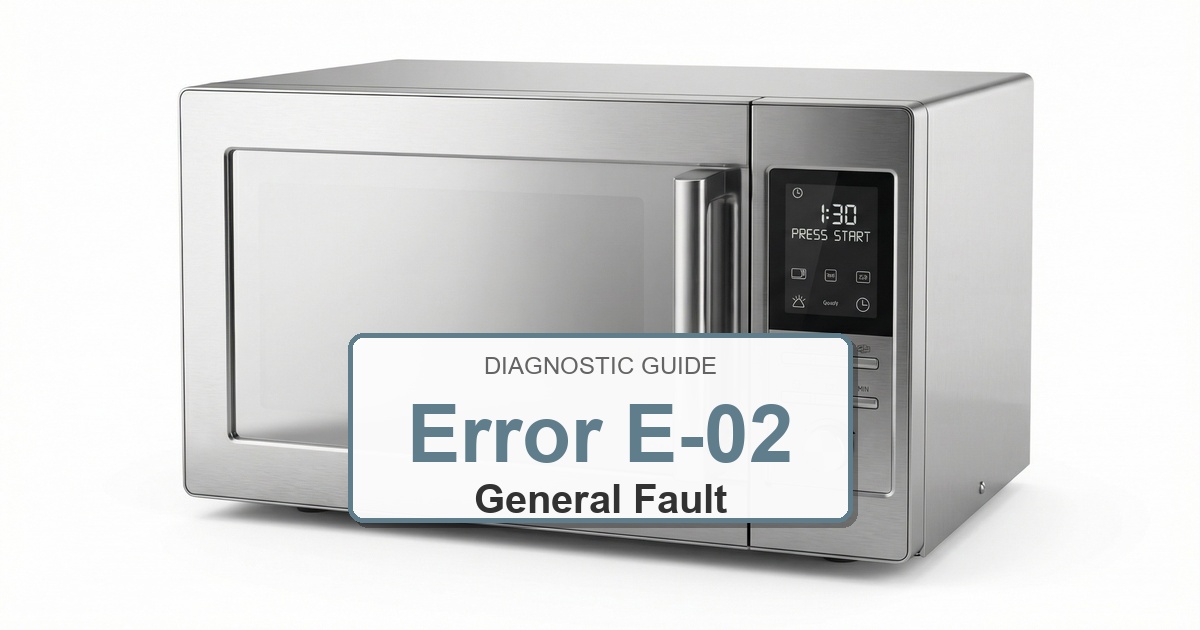
    How to Fix LG Microwave Error E-02

    Error Code: E-02 Difficulty: Hard

    Problem: The temperature in convection mode is not rising as it should.

    How to Fix E-02 Error (Step-by-Step)

    1. Disconnect the microwave from the power source completely and confirm the error stays cleared during a full test cycle.
    2. Remove the outer casing of the microwave to get to the internal parts.
    3. Find the convection heater element, which is usually a circular element located at the back or top of the oven cavity, often behind a metal panel.
    4. Visually inspect the heater element for any visible breaks, burns, or damage.
    5. Use a multimeter to test the heater for continuity. If the multimeter shows no continuity, the heater element is broken and must be replaced.
    6. If the heater tests good, the problem may be the main control board not sending power to the heater.
    7. Replacing the main control board is a complex task; if you’ve determined it’s the cause, carefully label and disconnect all wires from the old board before installing the new one.
    8. Turn the appliance off, wait about 2 minutes, then turn it back on.

    Next Steps and Parts

    Verified Compatible Alternatives:

    • Main Control Board

    Still Not Working?
    If the replacement part didn’t fix the issue, you may have a wiring problem or main board failure.


  • How to Fix LG Microwave Error E-10

    How to Fix LG Microwave Error E-10

    Error Code: E-10 Difficulty: Moderate

    Problem: A key on the control panel is shorted or stuck.

    How to Fix E-10 Error (Step-by-Step)

    1. Unplug the microwave from the power outlet and confirm the error stays cleared during a full test cycle.
    2. Thoroughly clean the surface of the keypad with a soft cloth slightly dampened with a mild cleaner. Pay attention to any sticky residue around the buttons.
    3. If cleaning does not solve the issue, you will need to access the control panel’s internal components. This requires removing the microwave’s outer cabinet.
    4. Locate the flat, flexible ribbon cable that connects the keypad to the main control board.
    5. Carefully unlatch the connector and disconnect the ribbon cable. Inspect the end of the cable for any corrosion or damage. Clean the contacts gently with a pencil eraser if they appear dirty.
    6. Securely reconnect the ribbon cable to the control board, ensuring it is straight and fully seated in the connector.
    7. If the error persists after these steps, the entire keypad assembly needs to be replaced.
    8. Turn the appliance off, wait about 2 minutes, then turn it back on.

    Next Steps and Parts

    Verified Compatible Alternatives:

    • Keypad Assembly

    Still Not Working?
    If the replacement part didn’t fix the issue, you may have a wiring problem or main board failure.


  • How to Fix LG Microwave Error E-11

    How to Fix LG Microwave Error E-11

    Error Code: E-11 Difficulty: Hard

    Problem: There is a touchpad error, indicating the control panel is not responding correctly.

    How to Fix E-11 Error (Step-by-Step)

    1. Disconnect the microwave from power. This is extremely important as microwaves contain high-voltage capacitors that can be dangerous.
    2. Remove the outer cabinet to access the internal electronics and confirm the error stays cleared during a full test cycle.
    3. Locate the main control board (the main circuit board with many connectors) and the inverter board (a separate board that powers the magnetron).
    4. Visually inspect both boards for any obvious signs of damage, such as burn marks, bulging capacitors, or loose connections.
    5. Check all the wire harness connections between the main board and the inverter board. Unplug and firmly reseat each connector to ensure a solid connection.
    6. This error often indicates a communication failure between the two boards. If all connections are secure, the most common culprit is a faulty inverter board.
    7. If replacing the inverter board does not fix the error, the main control board is the next most likely component to have failed and will need to be replaced.
    8. Turn the appliance off, wait about 2 minutes, then turn it back on.

    Next Steps and Parts

    Verified Compatible Alternatives:

    • Main Control Board

    Still Not Working?
    If the replacement part didn’t fix the issue, you may have a wiring problem or main board failure.


  • How to Fix LG Microwave Error F9

    How to Fix LG Microwave Error F9

    Error Code: F9 Difficulty: Hard

    Problem: This indicates a magnetron or inverter error.

    How to Fix F9 Error (Step-by-Step)

    1. Unplug the microwave from the wall outlet immediately. This repair involves exposure to extremely high and potentially lethal voltage.
    2. CRITICAL SAFETY STEP: You must discharge the high-voltage capacitor before proceeding. Carefully use a screwdriver with a well-insulated handle to touch one metal terminal of the capacitor to the other metal terminal simultaneously. You may see a spark and hear a pop, which indicates the capacitor is discharged.
    3. Remove the outer casing of the microwave by unscrewing the panels on the back and sides.
    4. Locate the magnetron and the inverter board. The magnetron is a box-shaped metal component, and the inverter is a circuit board that powers it.
    5. Carefully disconnect the electrical connectors from the magnetron and remove the screws or nuts holding it in place. Note the orientation of the old part before removing it.
    6. Install the new magnetron and/or inverter assembly, ensuring all screws and electrical connections are secure.
    7. Reassemble the microwave’s outer cabinet, plug the unit in, and test by heating a cup of water for one minute.
    8. Turn the appliance off, wait about 2 minutes, then turn it back on.

    Next Steps and Parts

    Verified Compatible Alternatives:

    • Inverter Assembly: EBR82899409

    Still Not Working?
    If the replacement part didn’t fix the issue, you may have a wiring problem or main board failure.


  • How to Fix LG Microwave Error F11

    How to Fix LG Microwave Error F11

    Error Code: F11 Difficulty: Hard

    Problem: In convection cooking mode, the temperature is above 100°C even after the maximum time of 30 minutes.

    How to Fix F11 Error (Step-by-Step)

    1. Completely disconnect the microwave from the electrical outlet for safety.
    2. Remove the outer wrapper of the microwave by taking out the screws on the back and sides.
    3. It is critical to locate and discharge the high-voltage capacitor to avoid electrical shock. Use a well-insulated screwdriver to short across its terminals.
    4. Locate the inverter board, which is a separate circuit board that powers the magnetron.
    5. Take a picture of the wire connections before carefully unplugging all connectors from the inverter board.
    6. Remove the screws holding the inverter board in place and swap it with the new one.
    7. Reconnect all wires, reassemble the microwave’s cabinet, and test the convection cooking function.
    8. Turn the appliance off, wait about 2 minutes, then turn it back on.

    Next Steps and Parts

    Verified Compatible Alternatives:

    • Main Control Board

    Still Not Working?
    If the replacement part didn’t fix the issue, you may have a wiring problem or main board failure.


  • How to Fix LG Microwave Error F3

    How to Fix LG Microwave Error F3

    Error Code: F3 Difficulty: Moderate

    Problem: There is a control panel malfunction or a key error. It can also indicate a temperature sensor error.

    How to Fix F3 Error (Step-by-Step)

    1. Unplug the microwave from the wall outlet to ensure your safety.
    2. Open the microwave door and look for screws along the frame that hold the control panel assembly in place.
    3. After removing the screws, gently pry the control panel assembly away from the microwave body.
    4. Be careful not to pull too hard, as it is connected by a delicate ribbon cable to the main board.
    5. Release the clip on the connector and detach the ribbon cable from the old keypad controller.
    6. Replace the old keypad assembly with the new one (part ACM74119046 or ACM74119039).
    7. Reconnect the ribbon cable, snap the control panel back into position, replace the screws, and test functionality.
    8. Turn the appliance off, wait about 2 minutes, then turn it back on.

    Next Steps and Parts

    Verified Compatible Alternatives:

    • Keypad Controller Assembly: ACM74119046

    Still Not Working?
    If the replacement part didn’t fix the issue, you may have a wiring problem or main board failure.


  • How to Fix LG Microwave Error F10

    How to Fix LG Microwave Error F10

    Error Code: F10 Difficulty: Moderate

    Problem: A key on the control panel has been shorted for more than a minute.

    How to Fix F10 Error (Step-by-Step)

    1. Disconnect the microwave from the power source by unplugging it.
    2. Open the microwave door to get a better view of the control panel assembly.
    3. Remove any screws that secure the control panel frame to the microwave’s body; these are often located along the top or side vent.
    4. Carefully detach the control panel assembly. It may be held by clips in addition to screws.
    5. Locate the thin, flat ribbon cable that connects the keypad to the main circuit board.
    6. Gently unlock the connector holding the ribbon cable and pull the cable out.
    7. Connect the ribbon cable of the new keypad assembly, re-secure the control panel, plug in the microwave, and test all buttons.
    8. Turn the appliance off, wait about 2 minutes, then turn it back on.

    Next Steps and Parts

    Verified Compatible Alternatives:

    • Keypad Assembly

    Still Not Working?
    If the replacement part didn’t fix the issue, you may have a wiring problem or main board failure.


  • How to Fix LG Microwave Error DOOR

    How to Fix LG Microwave Error DOOR

    Error Code: DOOR Difficulty: Moderate

    Problem: The microwave door is not closed properly.

    How to Fix DOOR Error (Step-by-Step)

    1. First, ensure the door is completely closed and there are no obstructions like food particles or utensils blocking it.
    2. Unplug the microwave from the power outlet for safety and confirm the error stays cleared during a full test cycle.
    3. Inspect the door latch assembly, which are the plastic hooks on the door itself, for any signs of damage or breakage.
    4. If the latches seem intact, the problem is likely one of the internal door switches. You will need to remove the microwave’s outer cabinet to access them.
    5. Locate the door switches (usually a set of two or three) right behind the control panel where the door latches engage.
    6. Test each switch with a multimeter for continuity. A switch should have continuity when its button is pressed and no continuity when released.
    7. Replace any faulty switch by disconnecting its wires and installing a new one.
    8. Turn the appliance off, wait about 2 minutes, then turn it back on.

    Next Steps and Parts

    Verified Compatible Alternatives:

    • Door Latch Assembly

    Still Not Working?
    If the replacement part didn’t fix the issue, you may have a wiring problem or main board failure.


  • How to Fix LG Microwave Error COOL

    How to Fix LG Microwave Error COOL

    Error Code: COOL Difficulty: Easy

    Problem: The microwave is in a cooling cycle. The fan will run until the oven’s temperature drops.

    How to Fix COOL Error (Step-by-Step)

    1. This is a normal function; no action is required and confirm the error stays cleared during a full test cycle.
    2. The microwave has completed a long cooking cycle and is running the fan to cool down its internal components.
    3. Allow the cooling cycle to finish on its own. The ‘COOL’ message will disappear from the display.
    4. Do not unplug the microwave or try to use it during this brief cooling period.
    5. Once the fan stops and the display returns to the clock, the microwave is ready for use.
    6. Turn the appliance off, wait about 2 minutes, then turn it back on.
    7. Check for simple blockages (lint screen, drain path, or filter) and clean anything you find.

    Still Not Working?
    If the replacement part didn’t fix the issue, you may have a wiring problem or main board failure.


  • How to Fix LG Microwave Error F1

    How to Fix LG Microwave Error F1

    Error Code: F1 Difficulty: Hard

    Problem: Indicates a mainboard failure.

    How to Fix F1 Error (Step-by-Step)

    1. Unplug the microwave from the wall outlet to completely cut off power.
    2. Remove the outer cabinet screws, typically located on the back and sides, and slide the cabinet off.
    3. Before touching any internal components, locate the large high-voltage capacitor and safely discharge it using a screwdriver with an insulated handle to short the terminals.
    4. Identify the main control board (mainboard), which is the central circuit board with numerous wire connectors.
    5. Carefully disconnect all wire harnesses attached to the board, taking a photo beforehand for reference.
    6. Unscrew the old mainboard and gently remove it from its mounting points.
    7. Install the new mainboard, secure it with the screws, and reconnect all wire harnesses exactly as they were before.
    8. Turn the appliance off, wait about 2 minutes, then turn it back on.

    Still Not Working?
    If the replacement part didn’t fix the issue, you may have a wiring problem or main board failure.