Author: ApplianceFixGuide Team

  • How to Fix Maytag Washer Error F8E1

    How to Fix Maytag Washer Error F8E1

    Problem: Low water flow; washer not detecting incoming water

    How to Fix F8E1 Error

    1. Turn off water faucets and unplug the washer.
    2. Disconnect the inlet hoses and check the filter screens inside the valve for sediment buildup (clean if clogged).
    3. If screens are clean, remove the washer’s top/rear panel to access the valve assembly.
    4. Disconnect the wire harness and remove mounting screws.
    5. Install the new water inlet valve, reconnect the harness, and reattach the hoses firmly.

    As an Amazon Associate, we earn from qualifying purchases through links on this page.

    Still Not Working?

    If the replacement part didn’t fix the issue, you may have a wiring problem or main board failure.


    Browse all Maytag error codes: Maytag Error Codes
  • How to Fix Maytag Washer Error F8E2

    How to Fix Maytag Washer Error F8E2

    Problem: Dispenser system problem

    How to Fix F8E2 Error

    1. Unplug the washer and turn off water.
    2. Remove the top panel to access the dispenser assembly.
    3. Locate the dispenser motor/diverter on top of the dispenser housing.
    4. Disconnect the small wire harness and remove the screws holding the motor.
    5. Install the new dispenser motor, ensuring the arm/cam is positioned correctly to direct water flow.

    As an Amazon Associate, we earn from qualifying purchases through links on this page.

    Still Not Working?

    If the replacement part didn’t fix the issue, you may have a wiring problem or main board failure.


    Browse all Maytag error codes: Maytag Error Codes
  • How to Fix Maytag Washer Error F8E6

    How to Fix Maytag Washer Error F8E6

    Problem: Water hazard; water in tub with lid open too long

    How to Fix F8E6 Error

    1. This code indicates a ‘Water Hazard’ where water remains in the tub with the lid open for >10 minutes.
    2. Close the lid immediately to allow the washer to drain or continue the cycle.
    3. If the washer does not drain, press ‘Power/Cancel’ to force a drain cycle.
    4. Ensure the drain hose is not kinked or clogged.

    Still Not Working?

    If the replacement part didn’t fix the issue, you may have a wiring problem or main board failure.


    Browse all Maytag error codes: Maytag Error Codes
  • How to Fix Maytag Washer Error F9E9

    How to Fix Maytag Washer Error F9E9

    Problem: Wrong voltage; under/over voltage detected

    How to Fix F9E9 Error

    1. Unplug the washer.
    2. Check the wall outlet with another appliance (like a lamp) to ensure it has consistent power.
    3. Verify that the outlet voltage is within range (120V +/- 10%) using a multimeter if available.
    4. Avoid using extension cords or surge protectors; plug directly into the wall.
    5. Plug the washer back in after 1 minute to reset the control board.

    Still Not Working?

    If the replacement part didn’t fix the issue, you may have a wiring problem or main board failure.


    Browse all Maytag error codes: Maytag Error Codes
  • How to Fix Maytag Washer Error dLO

    How to Fix Maytag Washer Error dLO

    Problem: Door/lid lock opening error

    How to Fix dLO Error

    1. Unplug the washer and tape the lid or door shut.
    2. Access the lock assembly: For Top Loaders, remove the rear screws and slide the top panel forward/up. For Front Loaders, remove the wire band from the door boot seal and peel the seal back.
    3. Remove the mounting screws holding the lock in place and disconnect the wire harness.
    4. Connect the new lock, secure it with screws, and reassemble the cabinet or door seal.

    As an Amazon Associate, we earn from qualifying purchases through links on this page.

    Still Not Working?

    If the replacement part didn’t fix the issue, you may have a wiring problem or main board failure.


    Browse all Maytag error codes: Maytag Error Codes
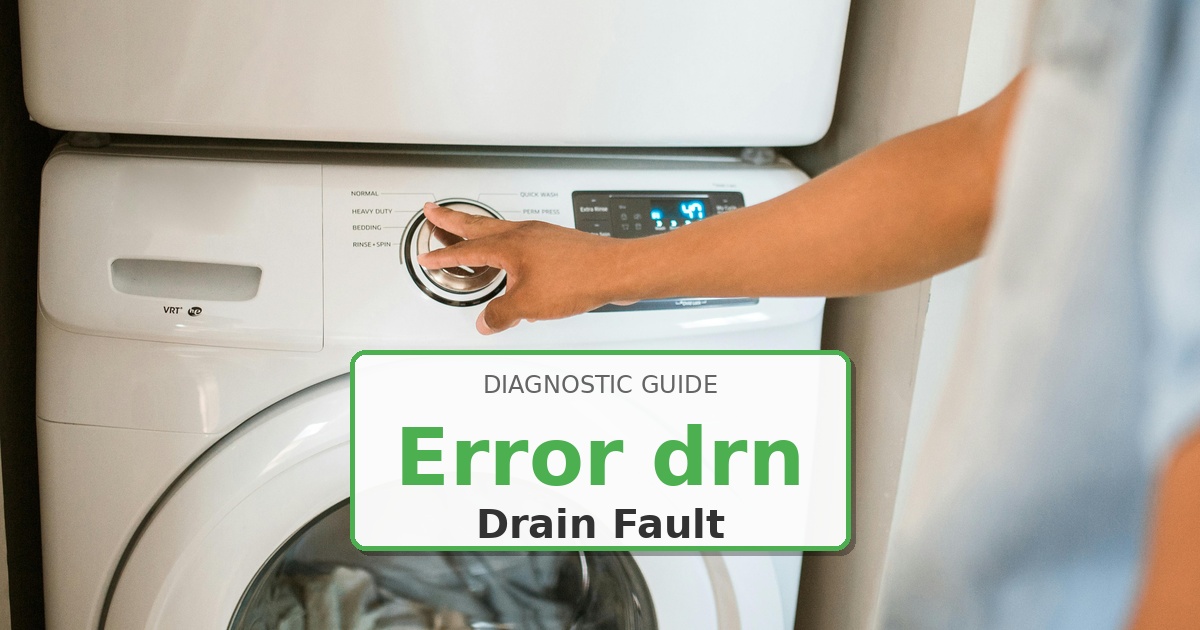
  • How to Fix Maytag Washer Error drn

    How to Fix Maytag Washer Error drn

    Problem: Washer not draining properly

    How to Fix drn Error

    1. Unplug the washer and secure the drain hose. Have a bucket or towels ready.
    2. Access the pump: For Top Loaders, tape the lid and lean the washer back against a wall. For Front Loaders, remove the lower front access panel (or rear panel depending on model).
    3. Clamp the inlet/outlet hoses to prevent spilling, then disconnect them from the old pump.
    4. Remove the mounting screws/clips, swap in the new pump, and reconnect hoses securely.

    As an Amazon Associate, we earn from qualifying purchases through links on this page.

    Still Not Working?

    If the replacement part didn’t fix the issue, you may have a wiring problem or main board failure.


    Browse all Maytag error codes: Maytag Error Codes
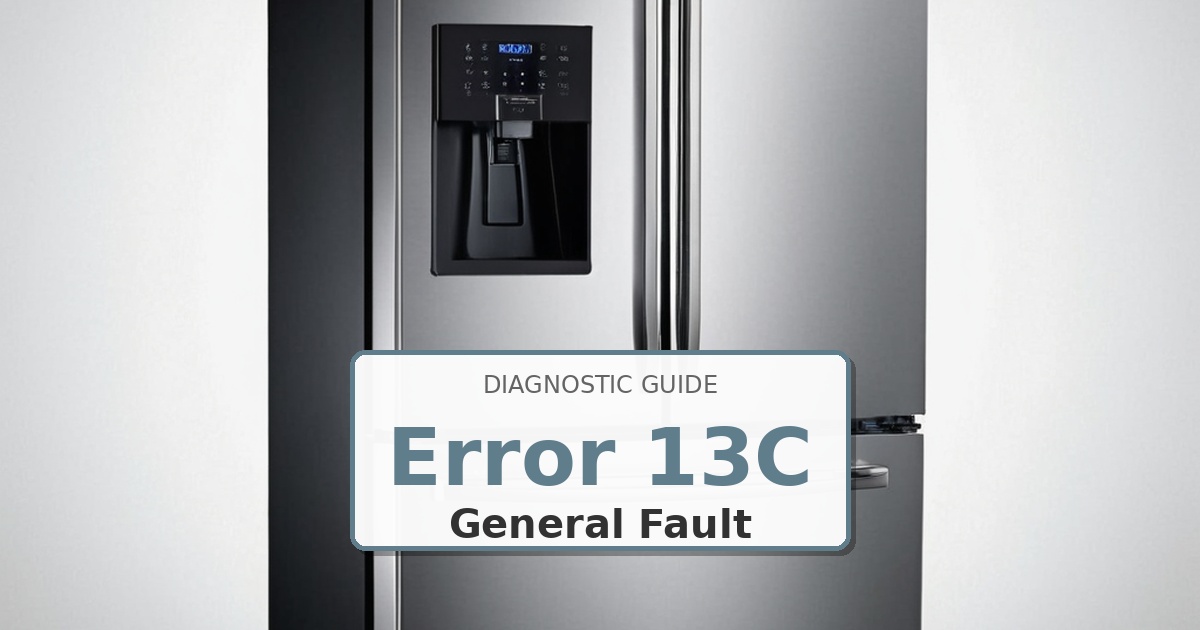
  • How to Fix Samsung Refrigerator Error 13C

    How to Fix Samsung Refrigerator Error 13C

    Problem: Humidity sensor error – alias of 13E

    How to Fix 13C Error

    1. UNPLUG THE REFRIGERATOR. This error indicates a fault with the humidity sensor, which is usually located within the crisper drawer assembly.
    2. Remove the crisper drawers. The sensor is often part of the crisper cover or located on the side wall of the compartment.
    3. Disconnect the wire harness from the sensor. If the sensor is part of the cover assembly, the entire cover may need to be replaced.
    4. If the sensor is separate, test its resistance with a multimeter. If it tests bad, replace it. Reconnect the wiring and reassemble.

    Still Not Working?

    If the replacement part didn’t fix the issue, you may have a wiring problem or main board failure.


    Browse all Samsung error codes: Samsung Error Codes

  • How to Fix Samsung Refrigerator Error 1C

    How to Fix Samsung Refrigerator Error 1C

    Problem: Freezer compartment sensor error – alias of 1E

    How to Fix 1C Error

    1. UNPLUG THE REFRIGERATOR. This error indicates a fault with the freezer compartment temperature sensor.
    2. The sensor is usually located inside the freezer section, behind a plastic cover on the rear wall. You will need to remove shelves and drawers to access it.
    3. Remove the cover, locate the sensor, and disconnect its wire harness. Use a multimeter to test the sensor’s resistance. At room temperature, it should read approximately 5,000 ohms (5kΩ). If the reading is infinite (open) or near zero (shorted), it has failed.
    4. Replace the faulty sensor, reconnect the wiring, and reassemble the covers and shelves.

    Still Not Working?

    If the replacement part didn’t fix the issue, you may have a wiring problem or main board failure.


    Browse all Samsung error codes: Samsung Error Codes

  • How to Fix Samsung Refrigerator Error 25C

    How to Fix Samsung Refrigerator Error 25C

    Problem: Fridge defrost function error – alias of 25E

    How to Fix 25C Error

    1. UNPLUG THE REFRIGERATOR. This is a defrost system failure in the fresh food compartment. It means the automatic defrost cycle did not complete correctly.
    2. You must access the evaporator coils behind the rear panel inside the refrigerator. This requires removing all shelves and drawers.
    3. The most common cause is a failed defrost heater or a blown thermal fuse. Use a multimeter to test the heater for continuity (should have resistance) and the thermal fuse for continuity (should be a closed circuit).
    4. Replace the component that tests faulty. It is best practice to replace the thermal fuse anytime you replace the heater.

    Still Not Working?

    If the replacement part didn’t fix the issue, you may have a wiring problem or main board failure.


    Browse all Samsung error codes: Samsung Error Codes

  • How to Fix Samsung Refrigerator Error 29C

    How to Fix Samsung Refrigerator Error 29C

    Problem: Flex Zone defrost system error – alias of 29E

    How to Fix 29C Error

    1. UNPLUG THE REFRIGERATOR. This is a defrost system failure in the Flex Zone drawer.
    2. This is a complex repair that requires significant disassembly of the Flex Zone drawer and its housing to access the defrost components.
    3. The cause is a failed defrost heater or a blown thermal fuse within the Flex Zone’s dedicated evaporator.
    4. Due to the difficulty in accessing these components, this repair is best left to a professional technician.

    Still Not Working?

    If the replacement part didn’t fix the issue, you may have a wiring problem or main board failure.


    Browse all Samsung error codes: Samsung Error Codes