
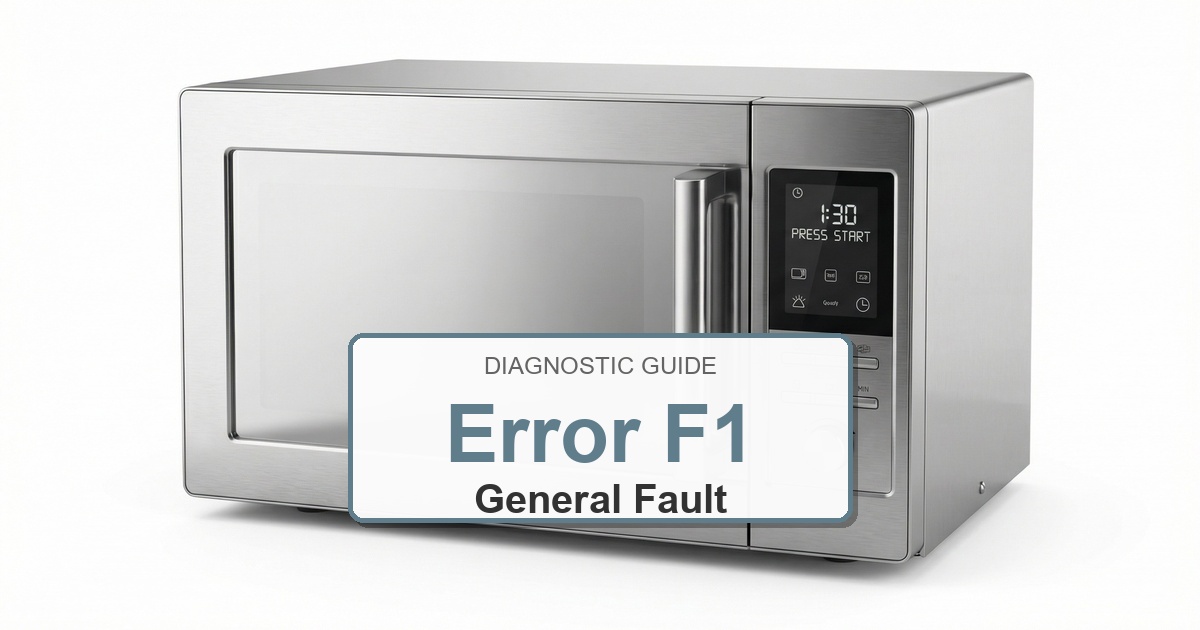
Error Code: F1 Difficulty: Hard
Problem: Indicates a mainboard failure.
How to Fix F1 Error (Step-by-Step)
- Unplug the microwave from the wall outlet to completely cut off power.
- Remove the outer cabinet screws, typically located on the back and sides, and slide the cabinet off.
- Before touching any internal components, locate the large high-voltage capacitor and safely discharge it using a screwdriver with an insulated handle to short the terminals.
- Identify the main control board (mainboard), which is the central circuit board with numerous wire connectors.
- Carefully disconnect all wire harnesses attached to the board, taking a photo beforehand for reference.
- Unscrew the old mainboard and gently remove it from its mounting points.
- Install the new mainboard, secure it with the screws, and reconnect all wire harnesses exactly as they were before.
- Turn the appliance off, wait about 2 minutes, then turn it back on.
Recommended Parts to Check
-
Start hereLG microwave control panelCommon replacement category: Control panel or keypadSymptom match: Most likely when: error F1 appears with unresponsive, stuck, or random button behavior.Check first: Check first: stuck keys, moisture, ribbon cable seating, and keypad response.
-
Also checkLG microwave door switchCommon replacement category: Door switchSymptom match: Most likely when: error F1 appears with start/stop or door-related interruptions.Check first: Check first: latch alignment and switch continuity with power disconnected.
-
Harness pathLG microwave wire harnessCommon replacement category: Control harnessSymptom match: Most likely when: error F1 is intermittent or changes after the panel is moved.Check first: Check first: loose ribbon connectors and damaged harness insulation.
-
Control pathLG microwave control boardCommon replacement category: Electronic control boardSymptom match: Most likely when: keypad, door, and harness checks pass but error F1 returns.Check first: Check first: visible board damage and model-matched diagnostics.
Model-number note: Use the LG microwave model tag before buying; these links are not universal fit claims.
LG Microwave Error F1 Checks Before Replacing Parts
- Disconnect power before opening the cabinet, and do not touch high-voltage parts unless you are trained to discharge and test them safely.
- Confirm the full LG model number from the tag before matching any replacement category to the appliance.
- Check the simple symptom path first: door closure, keypad response, airflow, and any obvious loose or damaged connectors.
- Test switches, sensors, or harnesses with a meter where the service data supports it instead of ordering parts by code alone.
- If the related parts test correctly, inspect the control area and harness before considering a model-matched control board.
When It’s Better to Replace Than Repair
Microwave repairs require extra caution because high-voltage parts can retain a dangerous charge after unplugging.
Door switches, turntable motors, fuses, and controls may be replaceable, but many microwave failures are safer and cheaper to solve with replacement.
For repair parts or built-in trim kits, verify exact fit with the full microwave model number before buying; these links are general replacement-appliance shopping options.
- [OK]Door switch or latch problems return after adjustment
- [OK]Turntable motor, fuse, or control repairs approach replacement cost
- [OK]High-voltage diode, capacitor, or magnetron is suspected
- [OK]Over-the-range fit, venting, or keypad issues keep recurring
Recommended Microwave Replacement Options
As an Amazon Associate, we earn from qualifying purchases.
Still Not Working?
If the replacement part didn’t fix the issue, you may have a wiring problem or main board failure.
More options (for a better recommendation)
⚡ Don’t Risk a DIY Fail!
Get the ‘Secret Service Mode’ Cheat Sheet for your LG model. Includes an easy-to-read list of every error code and quick diagnostic tips.
✅ Join 15,000+ DIYers • Instant PDF Download
Browse More Codes
📖 View All Error Codes
Expert: Mike Sullivan
EPA Section 608 Certified Technician with 18+ years experience.
Read Editorial Standards →