
Category: Samsung

  • How to Fix Samsung Refrigerator Error 4C

    How to Fix Samsung Refrigerator Error 4C

    Problem: Freezer defrost sensor error – alias of 4E

    How to Fix 4C Error

    1. UNPLUG THE REFRIGERATOR. This error indicates a failure of the freezer compartment’s defrost sensor.
    2. Empty the freezer and remove all drawers and the rear interior panel to expose the freezer evaporator coils.
    3. The defrost sensor is clipped onto the evaporator coils. Disconnect its wire harness.
    4. Test the sensor’s resistance with a multimeter. An infinite (open) or zero (shorted) reading means it has failed.
    5. Replace the sensor, ensuring it is securely clipped to the coil. Reconnect the wiring and reassemble the freezer interior.

    Still Not Working?

    If the replacement part didn’t fix the issue, you may have a wiring problem or main board failure.


    Browse all Samsung error codes: Samsung Error Codes
  • How to Fix Samsung Refrigerator Error 6C

    How to Fix Samsung Refrigerator Error 6C

    Problem: Ambient temperature sensor error – alias of 6E

    How to Fix 6C Error

    1. UNPLUG THE REFRIGERATOR. This error indicates a fault with the ambient (room) temperature sensor.
    2. This sensor is usually located on the exterior of the refrigerator, often behind the top hinge cover or on the main control board.
    3. Access the sensor, disconnect its wire harness, and test its resistance with a multimeter. It should read around 5kΩ at room temperature.
    4. If the reading is incorrect, replace the sensor. Reconnect the wiring and reassemble any covers.

    Still Not Working?

    If the replacement part didn’t fix the issue, you may have a wiring problem or main board failure.


    Browse all Samsung error codes: Samsung Error Codes
  • How to Fix Samsung Refrigerator Error 76C

    How to Fix Samsung Refrigerator Error 76C

    Problem: AutoFill infuser overflow detected – water detected in AutoFill compartment

    How to Fix 76C Error

    1. This error means water has been detected in the AutoFill pitcher compartment, indicating an overflow or leak.
    2. Remove the AutoFill pitcher from its housing.
    3. Thoroughly dry the inside of the compartment, paying special attention to the bottom and any visible sensors.
    4. Check the pitcher’s lid and seals for any cracks or damage that might cause a leak. Ensure the pitcher is seated correctly when you reinsert it. The error should clear once the compartment is dry.

    Still Not Working?

    If the replacement part didn’t fix the issue, you may have a wiring problem or main board failure.


    Browse all Samsung error codes: Samsung Error Codes
  • How to Fix Samsung Refrigerator Error 76E

    How to Fix Samsung Refrigerator Error 76E

    Problem: AutoFill infuser overflow detected – alias of 76C

    How to Fix 76E Error

    1. This is an alias for the 76C error, meaning water has been detected in the AutoFill pitcher compartment.
    2. Remove the AutoFill pitcher.
    3. Completely dry the inside of the pitcher’s housing with a towel.
    4. Ensure the pitcher is not damaged and is seated correctly when you put it back. The error will clear once the sensor detects the area is dry.

    Still Not Working?

    If the replacement part didn’t fix the issue, you may have a wiring problem or main board failure.


    Browse all Samsung error codes: Samsung Error Codes
  • How to Fix Samsung Refrigerator Error 7E

    How to Fix Samsung Refrigerator Error 7E

    Problem: Pantry / Flex Crisper room sensor error

    How to Fix 7E Error

    1. UNPLUG THE REFRIGERATOR. This error points to a failure of the temperature sensor for the Pantry, Flex, or Crisper drawer.
    2. Remove the specific drawer associated with the error.
    3. The sensor is typically located on the rear wall of the drawer’s compartment. Disconnect its wire harness.
    4. Test the sensor’s resistance with a multimeter. It should read around 5kΩ at room temperature. If the reading is bad, replace the sensor.

    Still Not Working?

    If the replacement part didn’t fix the issue, you may have a wiring problem or main board failure.


    Browse all Samsung error codes: Samsung Error Codes
  • How to Fix Samsung Refrigerator Error 84C

    How to Fix Samsung Refrigerator Error 84C

    Problem: Compressor locked – motor locked error

    How to Fix 84C Error

    1. UNPLUG THE REFRIGERATOR. This is a critical error indicating the compressor is locked or has failed.
    2. This is not a DIY repair. The compressor is part of the sealed refrigerant system.
    3. The cause can be a failed compressor, a bad inverter control board that powers the compressor, or a refrigerant leak.
    4. This requires diagnosis and repair by a certified refrigeration technician. Check your warranty, as compressors often have a 5 or 10-year warranty.

    Still Not Working?

    If the replacement part didn’t fix the issue, you may have a wiring problem or main board failure.


    Browse all Samsung error codes: Samsung Error Codes
  • How to Fix Samsung Refrigerator Error 88 88

    How to Fix Samsung Refrigerator Error 88 88

    Problem: Communication fault – power disrupted during bootup; refrigerator did not boot properly

    How to Fix 88 88 Error

    1. This code indicates a communication fault, often after a power outage or if power was interrupted during its startup sequence.
    2. The first step is to perform a hard reset. Unplug the refrigerator or turn it off at the circuit breaker.
    3. Wait for 5-10 minutes to allow all the internal electronics to fully discharge and reset.
    4. Plug the refrigerator back in. The unit should boot up normally. If the code returns, it may indicate a failure of the main control board, which would require professional service.

    Still Not Working?

    If the replacement part didn’t fix the issue, you may have a wiring problem or main board failure.


    Browse all Samsung error codes: Samsung Error Codes
  • How to Fix Samsung Refrigerator Error All icons flashing

    How to Fix Samsung Refrigerator Error All icons flashing

    Problem: Self-diagnostic mode after power outage or initial plug-in – normal startup behavior

    How to Fix All icons flashing Error

    1. This is not an error. It is the normal startup behavior of the refrigerator after it is first plugged in or after a power outage.
    2. The flashing indicates the refrigerator is running a self-diagnostic test.
    3. Do not press any buttons. Allow the diagnostic to complete, which usually takes a few minutes.
    4. The display will return to normal temperature readings once the test is finished.

    Still Not Working?

    If the replacement part didn’t fix the issue, you may have a wiring problem or main board failure.


    Browse all Samsung error codes: Samsung Error Codes
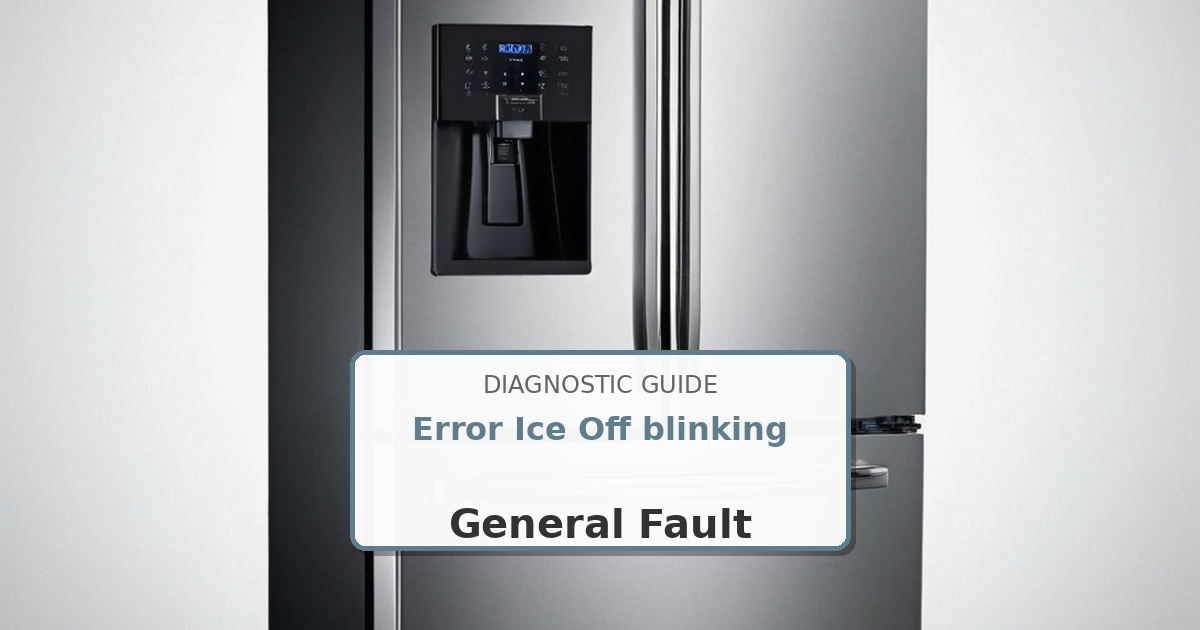
  • How to Fix Samsung Refrigerator Error Ice Off blinking

    How to Fix Samsung Refrigerator Error Ice Off blinking

    Problem: Ice bucket not properly installed or missing – ice maker will not operate

    How to Fix Ice Off blinking Error

    1. This indicates that the ice maker is turned off, but also that the ice bucket is not installed correctly.
    2. Remove the ice bucket from its position.
    3. Re-install the ice bucket, making sure it is pushed all the way back and seated firmly into place. You should feel it lock or click in.
    4. The blinking light should stop, and the ice maker will resume operation (if it is turned on).

    Still Not Working?

    If the replacement part didn’t fix the issue, you may have a wiring problem or main board failure.


    Browse all Samsung error codes: Samsung Error Codes
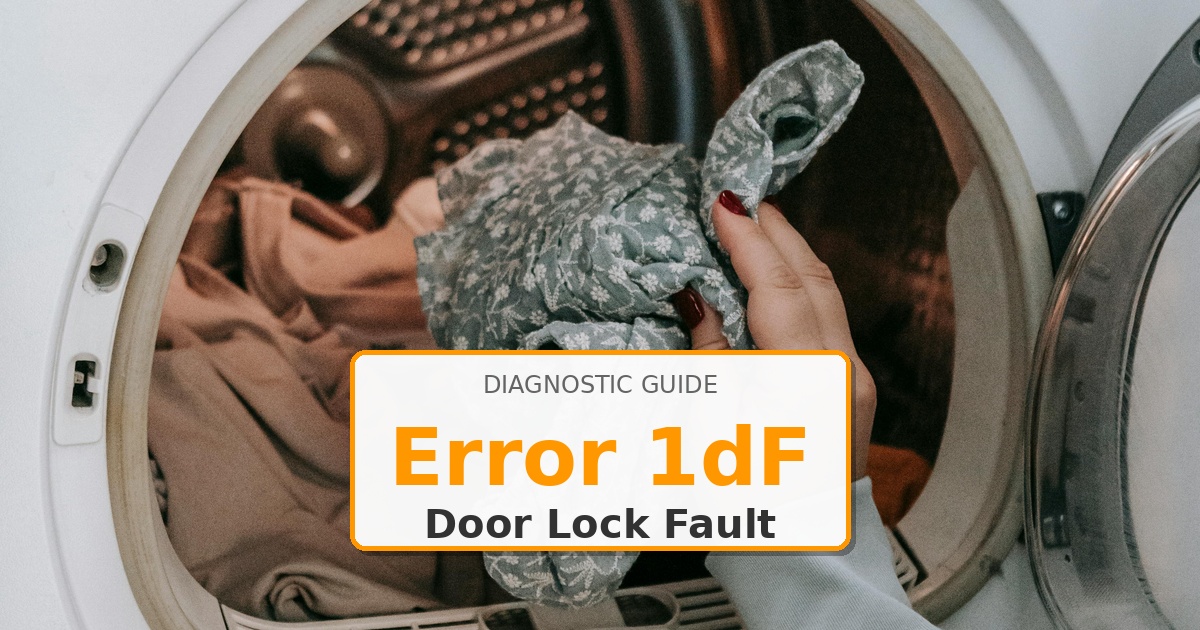
  • How to Fix Samsung Dryer Error 1dF

    How to Fix Samsung Dryer Error 1dF

    Problem: Door error (FlexDry models)

    How to Fix 1dF Error

    1. This error is for the upper, delicate dryer on a FlexDry model. First, open and firmly close the small top door to ensure it is latched properly.
    2. Check for any lint or debris obstructing the door latch mechanism.
    3. If the error persists, the door latch/switch assembly has failed. UNPLUG THE DRYER.
    4. To access the switch, you will need to remove the top control console and/or top panel of the dryer. Disconnect the wire harness from the old switch, remove its mounting screws, and install the new one.

    Still Not Working?

    If the replacement part didn’t fix the issue, you may have a wiring problem or main board failure.


    Browse all Samsung error codes: Samsung Error Codes