
⚠️ Safety Warning: Appliance repair involves electricity, gas, and moving parts. Always disconnect power before working on any appliance.
Error Code: Dryer Difficulty: Moderate
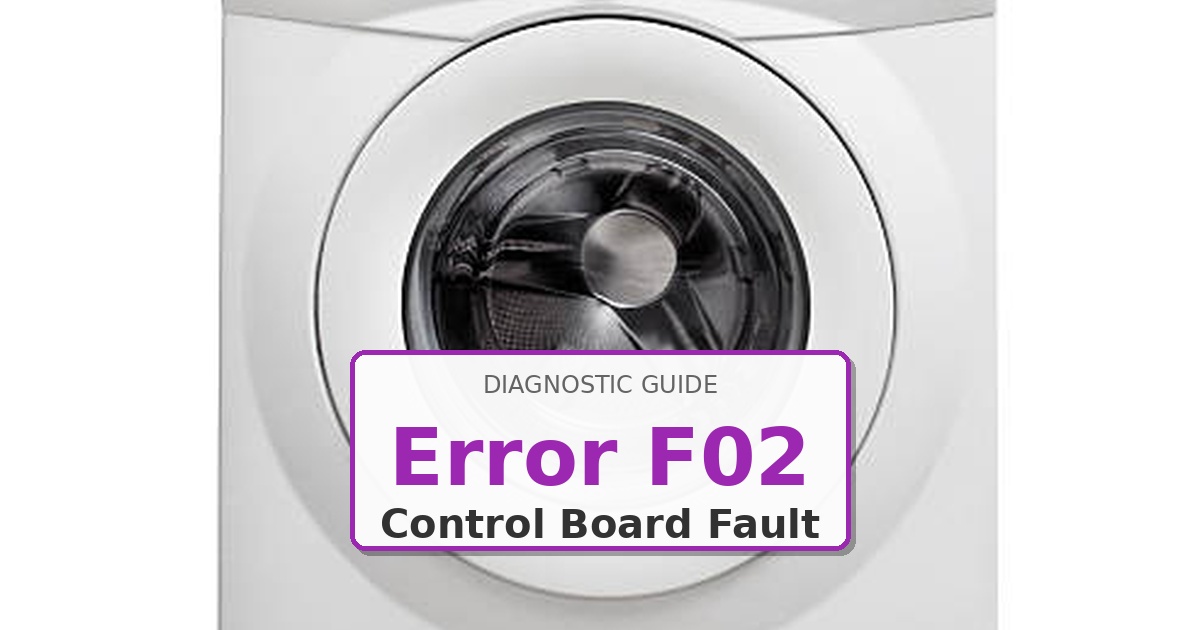
Problem: User interface control board communication failure or stuck keypad
How to Fix Dryer Error
- Power off dryer and unplug from outlet.
- Open top panel by removing screws along rear edge and sliding panel backward.
- Locate user interface board behind control panel.
- Disconnect all ribbon cables and wiring harnesses.
- Inspect for moisture damage, corrosion, or burnt traces on board.
- Test individual keypads with multimeter in continuity mode—press each button to verify proper contact closure.
- If any keypad shows continuous continuity (stuck), clean contacts with electronic contact cleaner.
- If cleaning fails or board shows damage, replace interface board WPW
- Reconnect all harnesses ensuring proper orientation of ribbon cables.
- Power on and test all functions.
As an Amazon Associate, we earn from qualifying purchases through links on this page.
Recommended Replacement Part
Still Not Working?
If the replacement part didn’t fix the issue, you may have a wiring problem or main board failure.
⚡ Don’t Risk a DIY Fail!
Get the ‘Secret Service Mode’ Cheat Sheet for your Maytag model. Includes an easy-to-read list of every error code and quick diagnostic tips.
✅ Join 15,000+ DIYers • Instant PDF Download
Browse More Codes
📖 View All Error Codes
Most DIY parts are $50–$250. If you have a quote, use the total.
More options (for a better recommendation)
Expert: Mike Sullivan
EPA Section 608 Certified Technician with 18+ years experience.
Read Editorial Standards →Browse all Maytag error codes: Maytag Error Codes
Leave a Reply