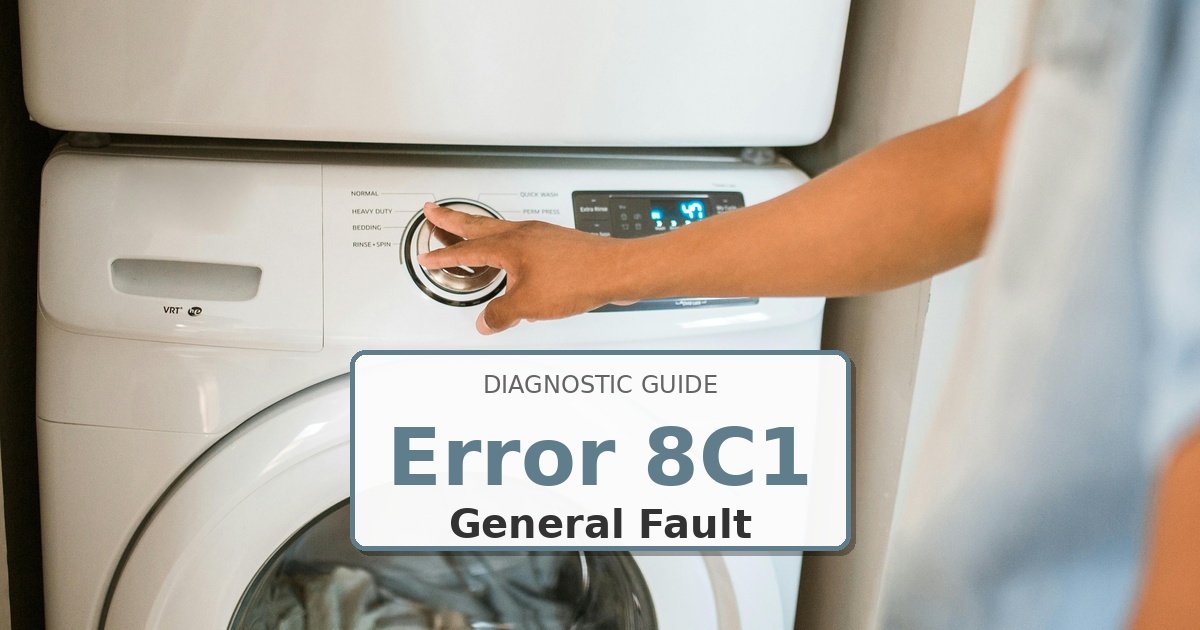
Problem: MEMS vibration sensor error
How to Fix 8C1 Error
- Unplug the washer from the power outlet.
- The MEMS (vibration) sensor is typically mounted on the side of the outer tub. You may need to remove the front or rear panel to access it.
- Check the wire harness connection to the sensor. Unplug it and plug it back in to ensure it’s secure.
- If the connection is good, the sensor itself has likely failed.
- Unbolt the old sensor, install the new one, and reconnect the wiring.
- Reassemble the panel and run a calibration cycle.
Still Not Working?
If the replacement part didn’t fix the issue, you may have a wiring problem or main board failure.
When It’s Better to Replace Than Repair
Sometimes replacing an appliance makes more financial sense than putting more money into repairs.
Here are a few signs it may be time to shop for a new one:
For repair parts, verify exact fit with the full washer model number before buying; these links are general replacement-appliance shopping options.
- ✓Appliance over 8-10 years old
- ✓Repair cost over 50% of replacement
- ✓Multiple recent breakdowns
- ✓Major component failure
Recommended Replacement Options
Why Upgrade via Amazon?
- Fast, Scheduled Delivery – You pick the date and time
- Expert Installation – Professional setup available for most models
- Old Appliance Haul-away – They’ll take your broken unit when they leave
- Easy Returns – Buy with confidence from a leader in customer service
As an Amazon Associate, we earn from qualifying purchases.
Browse all Samsung error codes: Samsung Error Codes