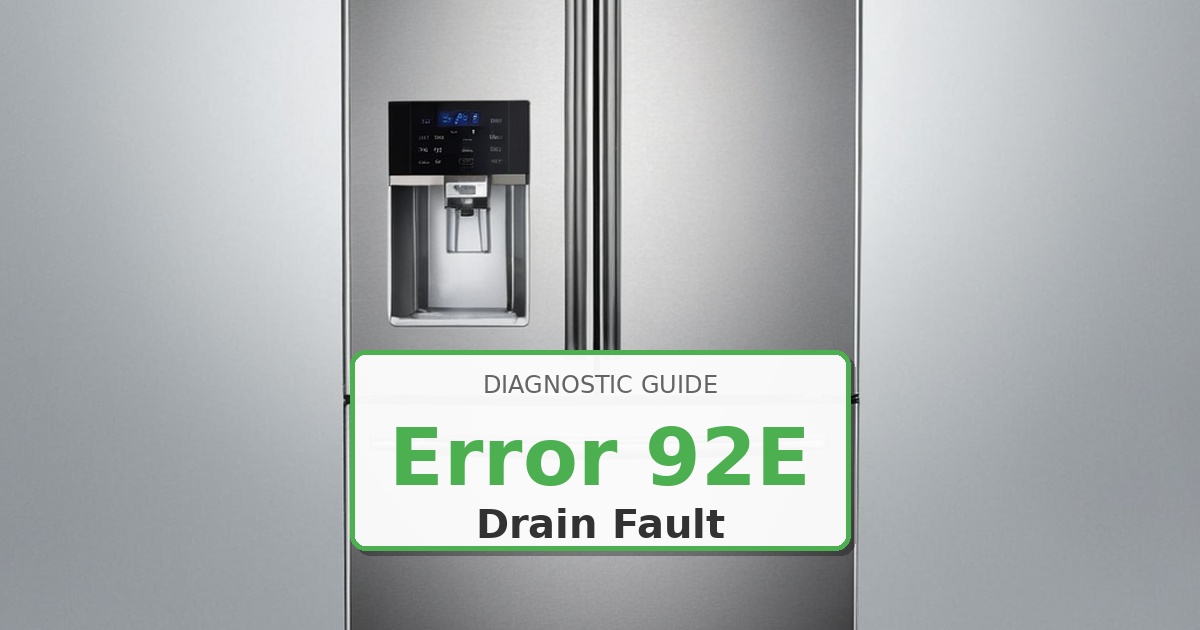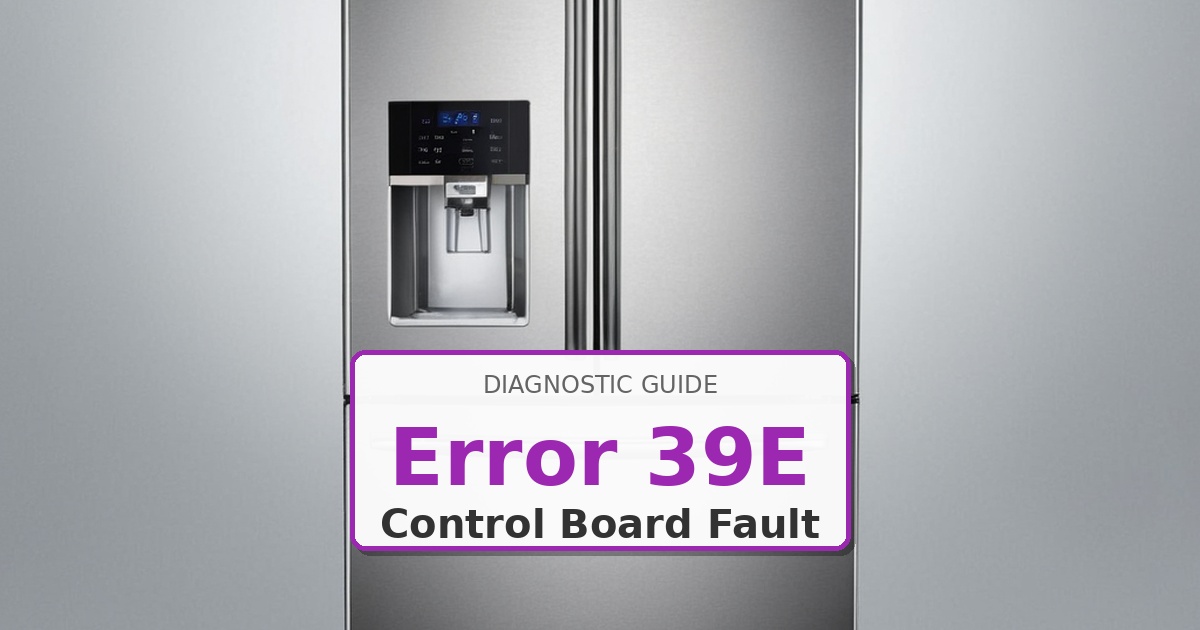
Problem: Ice maker function error; communication failure between ice maker assembly and main control board
How to Fix Refrigerator Error
- Unplug refrigerator from electrical power for 10 minutes to reset electronics.
- Remove ice bin and access panel to expose ice maker assembly and wiring harness.
- Reseat wiring harness connector at both ice maker and main control board ends. Press firmly until click.
- Clean connector pins with electrical contact cleaner and lint-free swab. Allow 5 minutes drying time.
- Inspect entire harness routing for pinched wires, rodent damage, or abrasion near cabinet edges.
- Test ice maker motor continuity and sensor resistance per service manual specifications.
- If harness is damaged or ice maker tests faulty: disconnect wiring harness from ice maker.
- Remove mounting screws securing ice maker assembly. Extract old unit.
- Install new ice maker assembly using OEM part DA97-12346A. Align mounting tabs and secure screws.
- Reconnect wiring harness firmly. Reinstall ice bin. Restore power and run ice maker diagnostic test to verify communication and operation.
Instant PDF Download • Factory Authorized
Still Not Working?
If the replacement part didn’t fix the issue, you may have a wiring problem or main board failure.
Browse all Samsung error codes: Samsung Error Codes