
Category: Samsung

  • How to Fix Samsung Refrigerator Error 39E

    How to Fix Samsung Refrigerator Error 39E

    Problem: Ice maker function error; communication failure between ice maker assembly and main control board

    How to Fix Refrigerator Error

    1. Unplug refrigerator from electrical power for 10 minutes to reset electronics.
    2. Remove ice bin and access panel to expose ice maker assembly and wiring harness.
    3. Reseat wiring harness connector at both ice maker and main control board ends. Press firmly until click.
    4. Clean connector pins with electrical contact cleaner and lint-free swab. Allow 5 minutes drying time.
    5. Inspect entire harness routing for pinched wires, rodent damage, or abrasion near cabinet edges.
    6. Test ice maker motor continuity and sensor resistance per service manual specifications.
    7. If harness is damaged or ice maker tests faulty: disconnect wiring harness from ice maker.
    8. Remove mounting screws securing ice maker assembly. Extract old unit.
    9. Install new ice maker assembly using OEM part DA97-12346A. Align mounting tabs and secure screws.
    10. Reconnect wiring harness firmly. Reinstall ice bin. Restore power and run ice maker diagnostic test to verify communication and operation.

    Instant PDF Download • Factory Authorized

    Recommended Parts

    As an Amazon Associate, we earn from qualifying purchases through links on this page.


    Still Not Working?

    If the replacement part didn’t fix the issue, you may have a wiring problem or main board failure.


    Browse all Samsung error codes: Samsung Error Codes
  • How to Fix Samsung Refrigerator Error 39C

    How to Fix Samsung Refrigerator Error 39C

    Problem: Ice maker communication error; alternate code variant indicating same ice maker system fault as 39E

    How to Fix Refrigerator Error

    1. Unplug refrigerator from electrical power for 10 minutes to reset control electronics.
    2. Remove ice storage bin and access panel covering ice maker assembly in freezer compartment.
    3. Locate wiring harness connector between ice maker and main control board. Disconnect and inspect.
    4. Clean all connector pins with electrical contact cleaner. Check for bent pins or corrosion.
    5. Reseat connector firmly at both ends until audible click is heard.
    6. Inspect entire wiring harness path for damage, pinching, or wear near moving components.
    7. Test ice maker assembly motor windings and sensor circuits per service manual specifications.
    8. If ice maker tests faulty or shows physical damage: remove mounting hardware securing assembly.
    9. Extract old ice maker unit. Install new assembly using OEM part DA97-12346A with proper alignment.
    10. Reconnect wiring harness securely. Reassemble components. Restore power and initiate ice maker test cycle to verify proper communication and ice production function.

    Instant PDF Download • Factory Authorized

    Recommended Parts

    As an Amazon Associate, we earn from qualifying purchases through links on this page.


    Still Not Working?

    If the replacement part didn’t fix the issue, you may have a wiring problem or main board failure.


    Browse all Samsung error codes: Samsung Error Codes
  • How to Fix Samsung Refrigerator Error 83E

    How to Fix Samsung Refrigerator Error 83E

    Problem: Compressor abnormal current detection; excessive current draw indicating mechanical failure or electrical fault

    How to Fix Refrigerator Error

    1. Unplug refrigerator from electrical power immediately. Pull unit away from wall for rear access.
    2. Remove rear lower access panel to expose compressor compartment and main control board.
    3. Inspect compressor terminals and wiring for signs of arcing, burning, or melted insulation.
    4. Test compressor windings resistance between terminals (Common-Start, Common-Run, Start-Run). Readings must be balanced and within manufacturer specifications.
    5. Test compressor start relay and overload protector for continuity and proper operation.
    6. Check refrigerant lines for proper insulation and absence of leaks (oil residue indicates leak).
    7. If compressor windings are unbalanced, open, or shorted: recover refrigerant using EPA-certified equipment.
    8. Remove compressor mounting bolts and electrical connections. Extract old compressor assembly.
    9. Install new compressor assembly using OEM part DA92-00123A. Braze refrigerant lines and evacuate system.
    10. Recharge with proper refrigerant type and amount per model specifications. Reconnect electrical components. Restore power and monitor compressor operation and cooling performance.

    Instant PDF Download • Factory Authorized

    Recommended Parts

    As an Amazon Associate, we earn from qualifying purchases through links on this page.


    Still Not Working?

    If the replacement part didn’t fix the issue, you may have a wiring problem or main board failure.


    Browse all Samsung error codes: Samsung Error Codes
  • How to Fix Samsung Refrigerator Error 85E

    How to Fix Samsung Refrigerator Error 85E

    Problem: Compressor under voltage error; insufficient voltage supply causing compressor protection shutdown

    How to Fix Refrigerator Error

    1. Verify household voltage at refrigerator outlet using multimeter. Must maintain 110-120V AC during compressor operation.
    2. Check circuit breaker panel to ensure refrigerator’s dedicated 15-20A breaker is fully ON and not tripped.
    3. Inspect power cord and terminal block connections inside refrigerator for looseness, corrosion, or arcing damage.
    4. Tighten terminal block screws to 8 in-lbs torque if accessible and loose.
    5. Ensure refrigerator is on dedicated circuit with no other high-draw appliances sharing the line.
    6. If voltage is stable but error persists: unplug refrigerator and remove rear access panel.
    7. Inspect main control board near compressor relay for burnt components or damaged traces.
    8. Test compressor windings resistance per service manual specifications.
    9. If compressor tests good but error continues: replace main control board using appropriate OEM part for model.
    10. Restore power and monitor voltage during compressor startup to confirm stable operation without under-voltage conditions.

    Instant PDF Download • Factory Authorized

    Recommended Parts

    As an Amazon Associate, we earn from qualifying purchases through links on this page.


    Still Not Working?

    If the replacement part didn’t fix the issue, you may have a wiring problem or main board failure.


    Browse all Samsung error codes: Samsung Error Codes
  • How to Fix Samsung Refrigerator Error 86E

    How to Fix Samsung Refrigerator Error 86E

    Problem: Inverter compressor fault; variable speed drive failure or communication error with main control board

    How to Fix Refrigerator Error

    1. Unplug refrigerator from electrical power. Pull unit away from wall for full rear access.
    2. Remove rear lower access panel to expose inverter board and compressor assembly.
    3. Inspect inverter board for burnt components, bulging capacitors, or charred traces.
    4. Check all wiring harness connections between inverter board, compressor, and main control board.
    5. Reseat all connectors firmly. Clean pins with electrical contact cleaner.
    6. Test inverter board output signals per service manual using oscilloscope if available.
    7. If inverter board shows visible damage or tests faulty: disconnect all wiring harnesses.
    8. Remove mounting screws securing inverter board. Extract old board assembly.
    9. Install new inverter board assembly using OEM part DA92-00124A. Transfer all connectors carefully.
    10. Secure mounting screws to specified torque. Restore power and run compressor diagnostic test to verify variable speed operation and proper communication with control system.

    Instant PDF Download • Factory Authorized

    Recommended Parts

    As an Amazon Associate, we earn from qualifying purchases through links on this page.


    Still Not Working?

    If the replacement part didn’t fix the issue, you may have a wiring problem or main board failure.


    Browse all Samsung error codes: Samsung Error Codes
  • How to Fix Samsung Refrigerator Error 88E

    How to Fix Samsung Refrigerator Error 88E

    Problem: Communication error between main control board and display/interface board

    How to Fix Refrigerator Error

    1. Unplug refrigerator from electrical power for 10 minutes to reset all electronics.
    2. Remove top panel, control console, and rear access panel to expose all internal wiring harnesses.
    3. Reseat every connector between main control board (rear compartment) and display board (front console).
    4. Clean all connector pins with electrical contact cleaner and lint-free swab. Allow 5 minutes drying time.
    5. Inspect entire harness routing for pinched wires, rodent damage, or abrasion near metal edges.
    6. Check ground connections at both boards for tightness and corrosion. Clean and tighten as needed.
    7. If error persists after reseating: replace main control board using OEM part DA92-00125A.
    8. Transfer all connectors to new board one-by-one. Secure board with mounting screws to 4 in-lbs torque.
    9. Restore power. Enter diagnostic mode per model instructions to verify communication with display and all sensors.
    10. Run full system diagnostic test sequence to confirm error clearance and proper operation of all subsystems.

    Instant PDF Download • Factory Authorized

    Recommended Parts

    As an Amazon Associate, we earn from qualifying purchases through links on this page.


    Still Not Working?

    If the replacement part didn’t fix the issue, you may have a wiring problem or main board failure.


    Browse all Samsung error codes: Samsung Error Codes
  • How to Fix Samsung Refrigerator Error 89E

    How to Fix Samsung Refrigerator Error 89E

    Problem: Display board fault; LCD panel failure, button matrix error, or communication loss with main board

    How to Fix Refrigerator Error

    1. Unplug refrigerator from electrical power.
    2. Remove control console assembly from front of refrigerator to access display board.
    3. Disconnect ribbon cable and wiring harnesses from display board. Note exact routing.
    4. Inspect display board for burnt components, damaged traces, or corrosion on connectors.
    5. Test button matrix continuity using multimeter per service manual pinout diagram.
    6. Clean ribbon cable contacts and connectors with isopropyl alcohol and lint-free swab.
    7. If display shows physical damage, buttons are unresponsive, or communication fails: remove mounting screws.
    8. Extract old display board assembly. Install new board using OEM part DA92-00126A.
    9. Transfer all connectors carefully. Secure mounting hardware to specified torque.
    10. Reassemble control console. Restore power and verify display illumination, button response, and temperature control functions operate correctly.

    Instant PDF Download • Factory Authorized

    Recommended Parts

    As an Amazon Associate, we earn from qualifying purchases through links on this page.


    Still Not Working?

    If the replacement part didn’t fix the issue, you may have a wiring problem or main board failure.


    Browse all Samsung error codes: Samsung Error Codes
  • How to Fix Samsung Refrigerator Error 90E

    How to Fix Samsung Refrigerator Error 90E

    Problem: Water filter sensor fault; sensor detecting filter presence/status malfunctioning

    How to Fix Refrigerator Error

    1. Unplug refrigerator from electrical power.
    2. Locate water filter housing typically in fresh food compartment or grille base.
    3. Remove water filter cartridge to access sensor assembly.
    4. Disconnect wiring harness from filter sensor connector.
    5. Test sensor continuity or resistance per service manual specifications.
    6. Inspect sensor for physical damage, corrosion, or debris blocking detection mechanism.
    7. Clean sensor contacts and surrounding area with isopropyl alcohol and soft brush.
    8. If sensor tests faulty or shows damage: remove mounting clips or screws securing sensor.
    9. Extract old sensor assembly. Install new water filter sensor using OEM part DA32-10111R.
    10. Reconnect wiring harness firmly. Reinstall water filter cartridge. Restore power and verify filter status indicator functions correctly on display.

    Instant PDF Download • Factory Authorized

    Recommended Parts

    As an Amazon Associate, we earn from qualifying purchases through links on this page.


    Still Not Working?

    If the replacement part didn’t fix the issue, you may have a wiring problem or main board failure.


    Browse all Samsung error codes: Samsung Error Codes
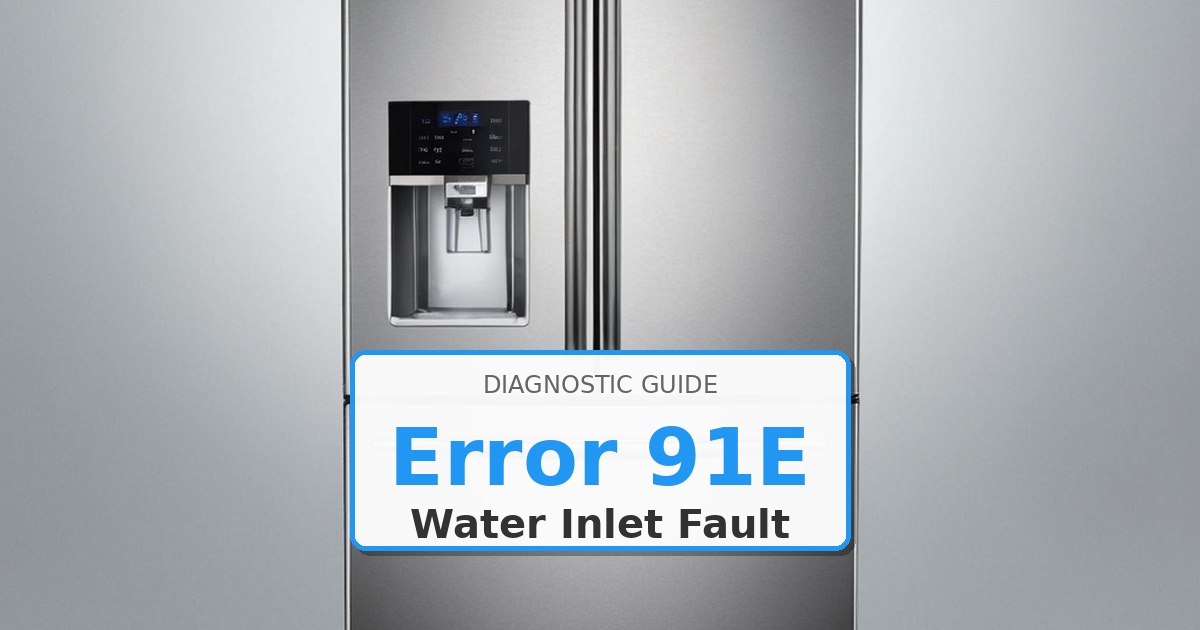
  • How to Fix Samsung Refrigerator Error 91E

    How to Fix Samsung Refrigerator Error 91E

    Problem: Water inlet valve fault; solenoid coil failure or mechanical valve malfunction preventing water flow

    How to Fix Refrigerator Error

    1. Turn off household water supply valve to refrigerator. Unplug electrical power.
    2. Pull refrigerator away from wall to access water valve assembly (typically rear lower area).
    3. Place towels underneath valve area to catch residual water.
    4. Disconnect water supply line from valve inlet. Have container ready for watr drainage.
    5. Disconnect electrical wiring harness from valve solenoid terminals.
    6. Test solenoid coil resistance with multimeter: proper reading 500-1500Ω. Infinite = open coil.
    7. Remove mounting screws or clips securing valve assembly to chassis.
    8. Extract old water inlet valve assembly. Clean mounting area of mineral deposits.
    9. Install new water inlet valve assembly using OEM part DA61-00123A. Secure mounting hardware.
    10. Reconnect water supply line hand-tight plus 1/4 turn. Reconnect wiring harness. Restore water and power. Test water dispenser and ice maker for proper flow.

    Instant PDF Download • Factory Authorized

    Recommended Parts

    As an Amazon Associate, we earn from qualifying purchases through links on this page.


    Still Not Working?

    If the replacement part didn’t fix the issue, you may have a wiring problem or main board failure.


    Browse all Samsung error codes: Samsung Error Codes
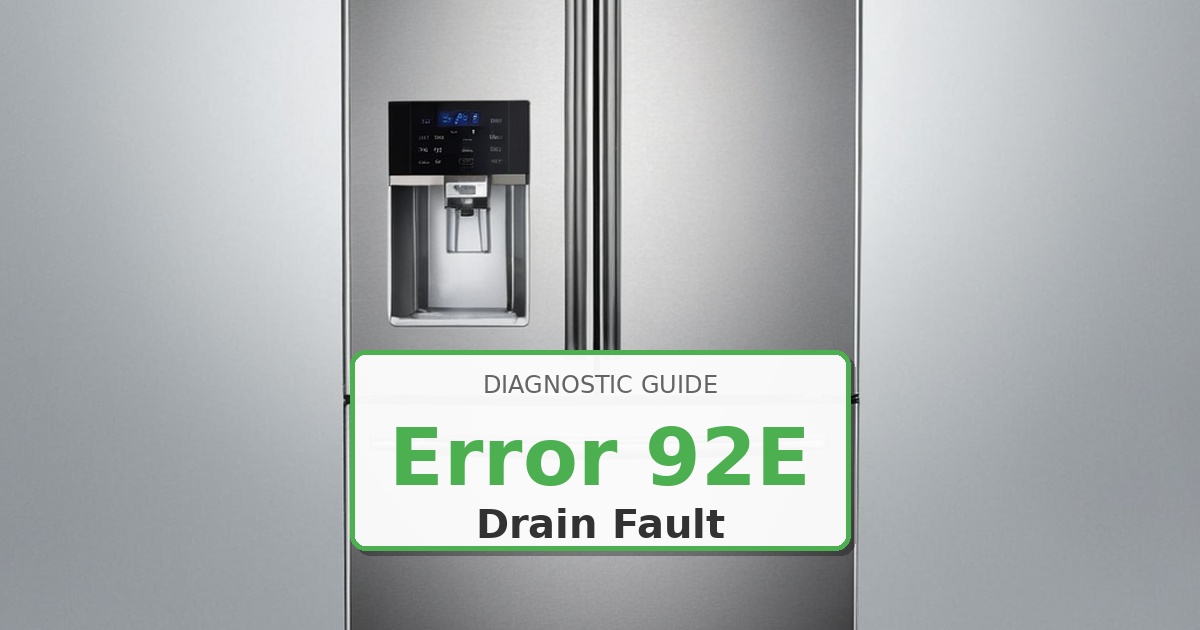
  • How to Fix Samsung Refrigerator Error 92E

    How to Fix Samsung Refrigerator Error 92E

    Problem: Water dispenser motor fault; pump failure preventing water delivery through dispenser

    How to Fix Refrigerator Error

    1. Unplug refrigerator from electrical power. Turn off water supply valve.
    2. Remove interior panels or grille base to access water dispenser pump assembly.
    3. Disconnect water lines from pump inlet and outlet. Place towels underneath for residual water.
    4. Disconnect electrical wiring harness from pump motor terminals.
    5. Test pump motor windings resistance per service manual specifications.
    6. Manually rotate pump impeller (if accessible) – should turn smoothly without binding.
    7. Inspect pump housing for cracks, leaks, or mineral buildup. Clean thoroughly if clogged.
    8. If pump tests faulty or shows physical damage: remove mounting screws securing assembly.
    9. Extract old water dispenser pump. Install new pump assembly using OEM part DA61-00124A.
    10. Reconnect water lines with new hose clamps. Reconnect wiring harness. Restore water and power. Test dispenser function for proper flow rate and absence of leaks.

    Instant PDF Download • Factory Authorized

    Recommended Parts

    As an Amazon Associate, we earn from qualifying purchases through links on this page.


    Still Not Working?

    If the replacement part didn’t fix the issue, you may have a wiring problem or main board failure.


    Browse all Samsung error codes: Samsung Error Codes