
Category: Kenmore

  • How to Fix Kenmore Dryer Error F12

    How to Fix Kenmore Dryer Error F12

    Problem: Moisture sensor relay failure on control board

    How to Fix Dryer Error

    1. Disconnect power at circuit breaker.
    2. Remove rear access panel.
    3. Inspect moisture sensor wiring and connections.
    4. Test moisture sensor operation during drying cycle.
    5. Check control board for burnt moisture sensor relay contacts.
    6. If relay is faulty, document all wire connections.
    7. Remove mounting screws and disconnect all connectors.
    8. Install new main control board assembly.
    9. Reconnect all harnesses and test moisture sensing function.
    10. Run auto-dry cycle to verify proper moisture detection.

    As an Amazon Associate, we earn from qualifying purchases through links on this page.

    Still Not Working?

    If the replacement part didn’t fix the issue, you may have a wiring problem or main board failure.


    Browse all Kenmore error codes: Kenmore Error Codes
  • How to Fix Kenmore Dishwasher Error F27

    How to Fix Kenmore Dishwasher Error F27

    Problem: Safety lock engaged or door interlock fault

    How to Fix Dishwasher Error

    1. Check door latch mechanism for proper engagement.
    2. Test door safety switches for continuity when door is closed.
    3. Inspect door strike plate alignment and condition.
    4. Verify control board door lock signals and timing.
    5. Replace door lock assembly or safety switches if faulty.

    As an Amazon Associate, we earn from qualifying purchases through links on this page.

    Still Not Working?

    If the replacement part didn’t fix the issue, you may have a wiring problem or main board failure.


    Browse all Kenmore error codes: Kenmore Error Codes
  • How to Fix Kenmore Dishwasher Error F28

    How to Fix Kenmore Dishwasher Error F28

    Problem: Power supply failure to control board

    How to Fix Dishwasher Error

    1. Check incoming power voltage at dishwasher junction box.
    2. Test power supply components on control board (capacitors, diodes, transformers).
    3. Inspect power supply traces for burns or damage.
    4. Verify DC voltage outputs from power supply section.
    5. Replace control board if power supply section is faulty.

    As an Amazon Associate, we earn from qualifying purchases through links on this page.

    Still Not Working?

    If the replacement part didn’t fix the issue, you may have a wiring problem or main board failure.


    Browse all Kenmore error codes: Kenmore Error Codes
  • How to Fix Kenmore Dryer Error F11

    How to Fix Kenmore Dryer Error F11

    Problem: Timer relay failure on control board

    How to Fix Dryer Error

    1. Turn off power at circuit breaker.
    2. Remove control panel access cover.
    3. Inspect main control board for burnt timer relay contacts.
    4. Test timer relay operation during cycle progression.
    5. Check voltage supply to timer circuit.
    6. If relay is faulty, document all wire connections.
    7. Remove mounting screws and disconnect all connectors.
    8. Install new main control board assembly.
    9. Reconnect all harnesses and test cycle timing functions.
    10. Run complete diagnostic cycle to verify proper operation.

    As an Amazon Associate, we earn from qualifying purchases through links on this page.

    Still Not Working?

    If the replacement part didn’t fix the issue, you may have a wiring problem or main board failure.


    Browse all Kenmore error codes: Kenmore Error Codes
  • How to Fix Kenmore Dryer Error F10

    How to Fix Kenmore Dryer Error F10

    Problem: User interface relay failure on control board

    How to Fix Dryer Error

    1. Disconnect power at circuit breaker.
    2. Remove control panel faceplate and access cover.
    3. Inspect user interface board for burnt relay contacts.
    4. Test button functions and display operation.
    5. Check communication wires between interface and main control boards.
    6. If relay is faulty, document all wire connections.
    7. Remove mounting screws and disconnect all connectors.
    8. Install new user interface board assembly.
    9. Reconnect all harnesses and test all button functions.
    10. Run diagnostic mode to verify proper communication.

    As an Amazon Associate, we earn from qualifying purchases through links on this page.

    Still Not Working?

    If the replacement part didn’t fix the issue, you may have a wiring problem or main board failure.


    Browse all Kenmore error codes: Kenmore Error Codes
  • How to Fix Kenmore Dishwasher Error F29

    How to Fix Kenmore Dishwasher Error F29

    Problem: Ground fault detected in electrical system

    How to Fix Dishwasher Error

    1. Disconnect power and check all components for shorts to ground.
    2. Test heating element for ground faults (should have infinite resistance to ground).
    3. Inspect wiring harness for damaged insulation or exposed conductors.
    4. Check motor windings for ground faults.
    5. Test GFCI protection circuit operation.
    6. Replace faulty component causing ground fault.

    As an Amazon Associate, we earn from qualifying purchases through links on this page.

    Still Not Working?

    If the replacement part didn’t fix the issue, you may have a wiring problem or main board failure.


    Browse all Kenmore error codes: Kenmore Error Codes
  • How to Fix Kenmore Dishwasher Error F30

    How to Fix Kenmore Dishwasher Error F30

    Problem: Overcurrent condition detected

    How to Fix Dishwasher Error

    1. Check for short circuits in heating element, motor, or solenoids.
    2. Test current draw of all components during operation.
    3. Inspect control board for burned components or traces.
    4. Verify proper voltage supply to dishwasher.
    5. Check for mechanical binding causing motor overload.
    6. Replace control board if overcurren protection is Falsely triggering.

    As an Amazon Associate, we earn from qualifying purchases through links on this page.

    Still Not Working?

    If the replacement part didn’t fix the issue, you may have a wiring problem or main board failure.


    Browse all Kenmore error codes: Kenmore Error Codes
  • How to Fix Kenmore Dryer Error F09

    How to Fix Kenmore Dryer Error F09

    Problem: Door switch relay failure on control board

    How to Fix Dryer Error

    1. Turn off power supply.
    2. Remove control panel access cover.
    3. Inspect main control board for damaged door switch relay.
    4. Test door switch operation with multimeter (should change state when door opens/closes).
    5. Check wiring harness between door switch and control board.
    6. If relay is faulty, document all wire connections.
    7. Remove mounting screws and disconnect all connectors.
    8. Install new main control board assembly.
    9. Reconnect all harnesses and test door switch function.
    10. Verify proper cycle start/stop operation with door tests.

    As an Amazon Associate, we earn from qualifying purchases through links on this page.

    Still Not Working?

    If the replacement part didn’t fix the issue, you may have a wiring problem or main board failure.


    Browse all Kenmore error codes: Kenmore Error Codes
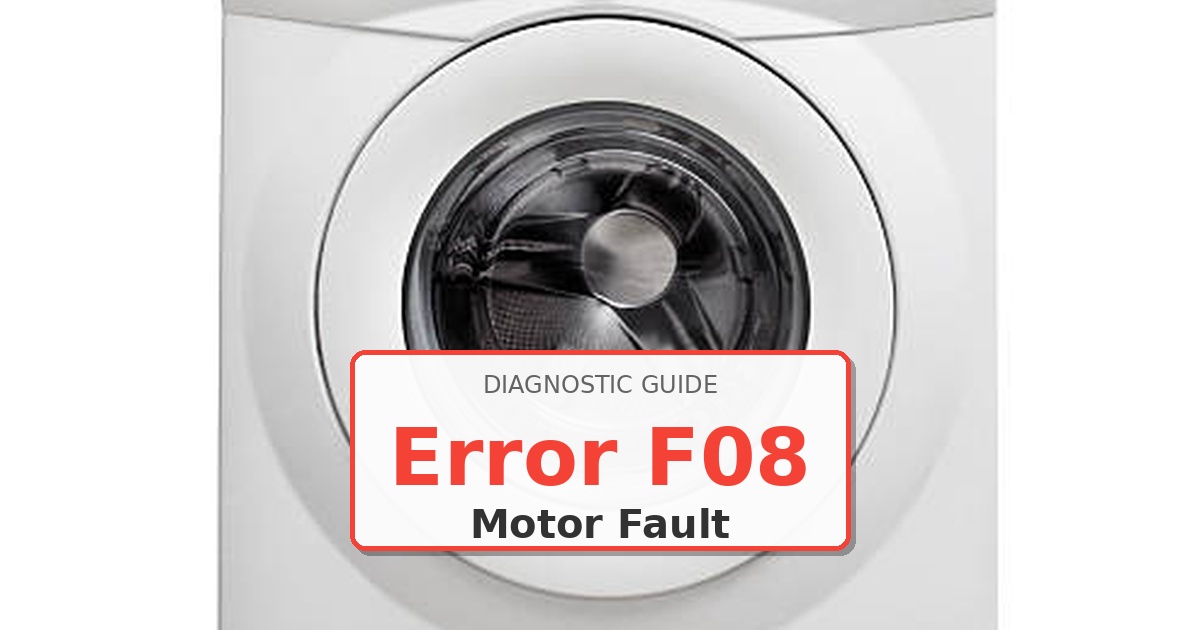
  • How to Fix Kenmore Dryer Error F08

    How to Fix Kenmore Dryer Error F08

    Problem: Motor relay failure on control board

    How to Fix Dryer Error

    1. Disconnect power at circuit breaker.
    2. Remove control panel access cover.
    3. Inspect main control board for burnt motor relay contacts.
    4. Test motor relay operation with multimeter during drum rotation.
    5. Check voltage supply to motor circuit.
    6. If relay is faulty, document all wire connections before removal.
    7. Remove mounting screws and disconnect all connectors.
    8. Install new main control board assembly.
    9. Reconnect all harnesses and test motor operation.
    10. Run complete cycle to verify proper motor control.

    As an Amazon Associate, we earn from qualifying purchases through links on this page.

    Still Not Working?

    If the replacement part didn’t fix the issue, you may have a wiring problem or main board failure.


    Browse all Kenmore error codes: Kenmore Error Codes
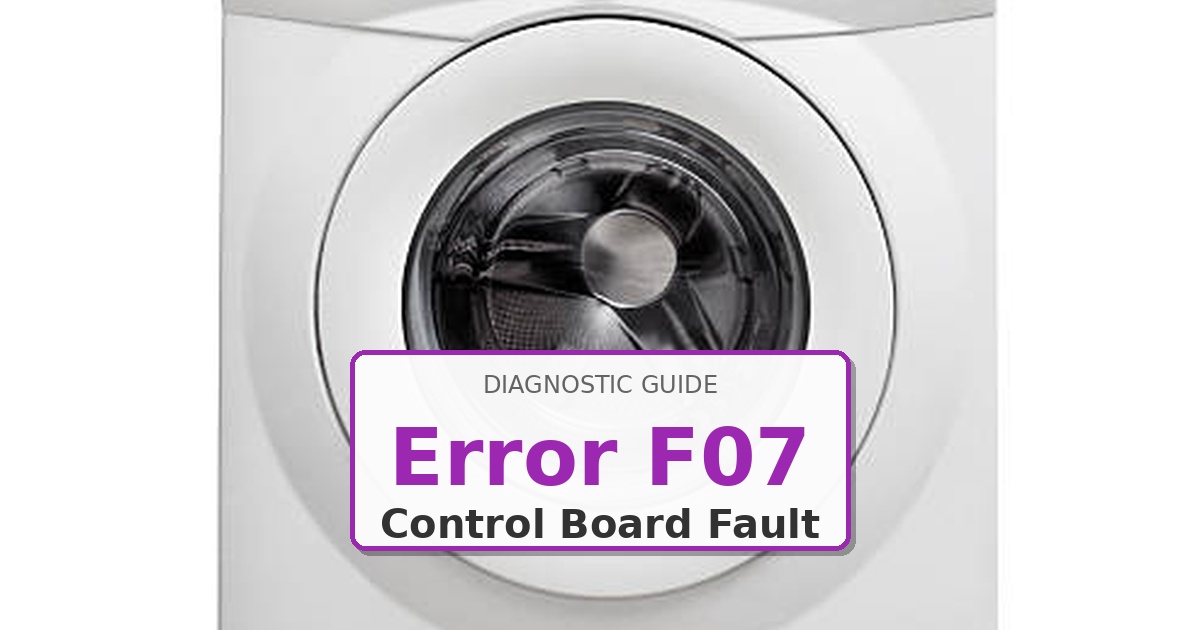
  • How to Fix Kenmore Dryer Error F07

    How to Fix Kenmore Dryer Error F07

    Problem: Heater relay failure on control board

    How to Fix Dryer Error

    1. Turn off power at circuit breaker.
    2. Remove control panel access cover.
    3. Inspect main control board for burnt relay contacts or damaged traces.
    4. Test heater relay operation with multimeter during heating cycle.
    5. Check voltage supply to heater circuit.
    6. If relay is stuck open or closed, document all wire connections.
    7. Remove mounting screws and disconnect all connectors.
    8. Install new main control board assembly.
    9. Reconnect all harnesses in correct positions.
    10. Test heating cycle operation and verify proper relay function.

    As an Amazon Associate, we earn from qualifying purchases through links on this page.

    Still Not Working?

    If the replacement part didn’t fix the issue, you may have a wiring problem or main board failure.


    Browse all Kenmore error codes: Kenmore Error Codes