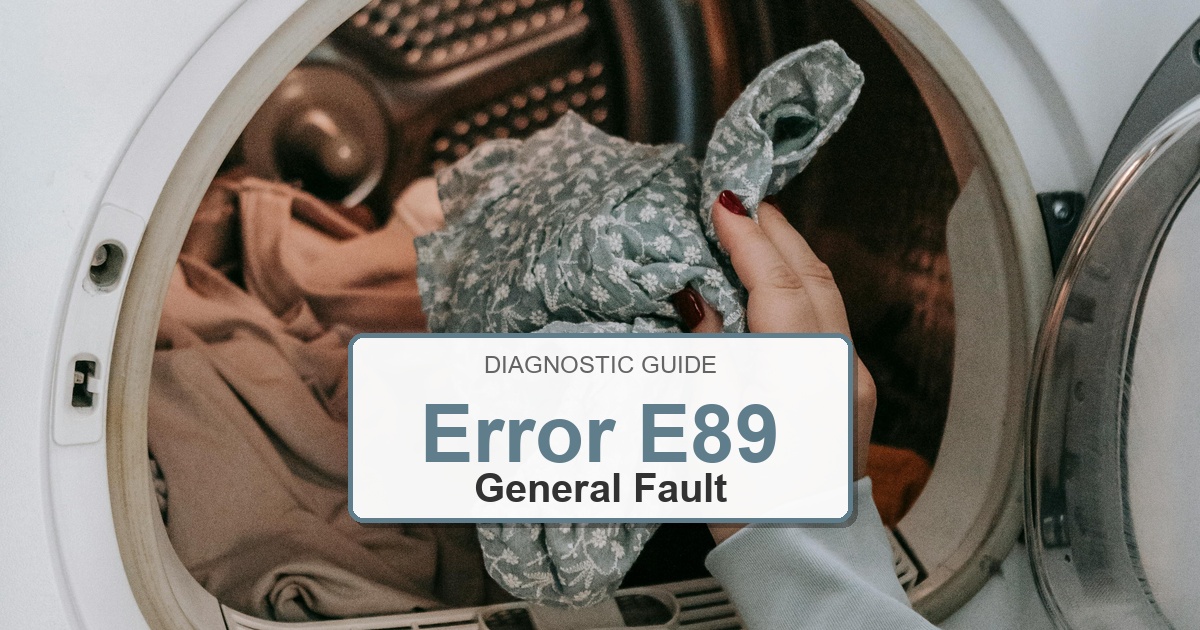
Error Code: E89 Difficulty: Hard
Problem: Power supply to the dryer is malfunctioning.
How to Fix E89 Error (Step-by-Step)
- Unplug the dryer from the wall outlet to ensure there is no power to the appliance.
- The power supply board is an electronic component. You will need to remove an access panel, typically the top or rear panel, to locate it.
- Carefully disconnect all the wire harnesses attached to the power supply board. It’s a good idea to label them or take a photo beforehand.
- Remove the screws that are holding the board in place.
- Gently remove the old power supply board and confirm the error stays cleared during a full test cycle.
- Install the new board, securing it with the screws and confirm the error stays cleared during a full test cycle.
- Reconnect all the wire harnesses to their correct terminals on the new board and reassemble the dryer.
- Turn the appliance off, wait about 2 minutes, then turn it back on.
Verified Compatible Alternatives:
- 9000835049
Still Not Working?
If the replacement part didn’t fix the issue, you may have a wiring problem or main board failure.