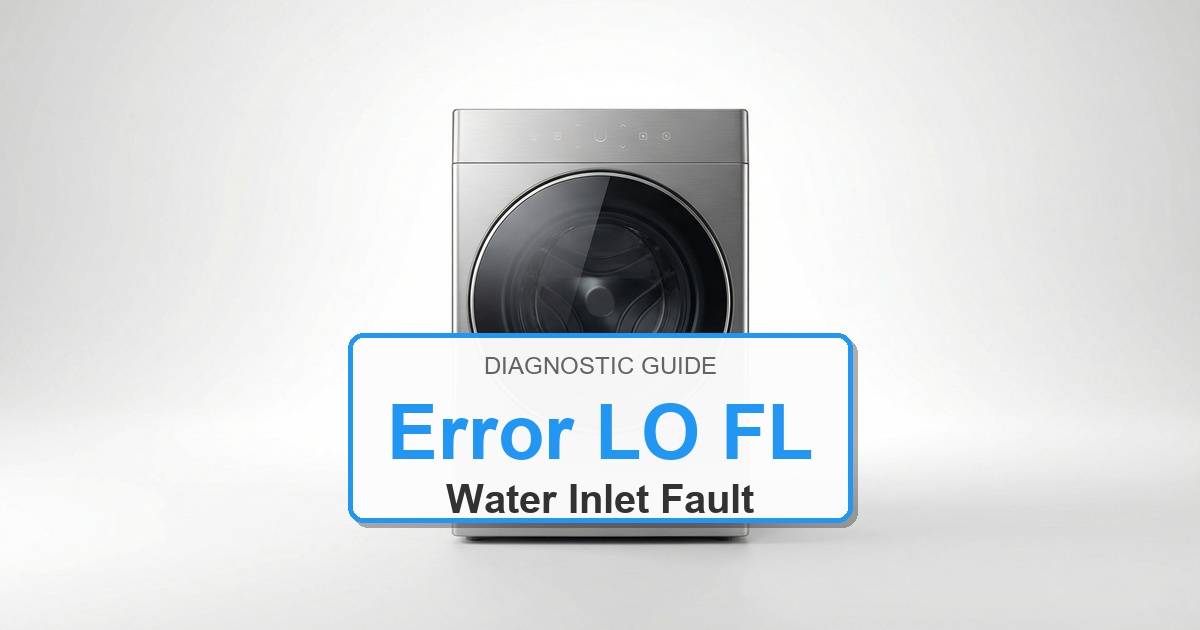
Error Code: LO FL Difficulty: Moderate
Problem: Low Flow of Water
How to Fix LO FL Error (Step-by-Step)
- First, verify that both the hot and cold water supply faucets behind the washer are turned on completely.
- Unplug the washer from the wall outlet. Turn off the water faucets.
- Unscrew the water inlet hoses from the back of the washer.
- Check the small metal filter screens inside the water inlet ports on the washer. If they are clogged with sediment, gently pull them out with needle-nose pliers and clean them thoroughly under a faucet.
- While the hoses are disconnected, place the ends in a bucket and turn the water faucets on to confirm you have strong water pressure from your home’s plumbing.
- Reconnect the hoses, ensuring they are tight and not kinked. Turn the water back on and plug the washer in.
- If the error continues after these steps, the water inlet valve assembly on the washer is likely defective and needs to be replaced.
- Turn the appliance off, wait about 2 minutes, then turn it back on.
- W10501149
- W11101906
- W11210459
Recommended Parts to Check
No exact official OEM part number is listed here because the correct Amana washer part can vary by complete model number. These are targeted part-category searches, not universal fit claims.
-
Whirlpool washer drain pumpCommon replacement category: Drain pumpFit note: Exact OEM part number varies by complete Amana washer model number. Confirm compatibility before buying.Why this category can matter: drain, no-spin, or water-removal symptoms after hose and filter checks.
-
Whirlpool washer water inlet valveCommon replacement category: Water inlet valveFit note: Exact OEM part number varies by complete Amana washer model number. Confirm compatibility before buying.Why this category can matter: fill, slow-fill, and valve-related symptoms after supply checks.
-
Whirlpool washer control boardCommon replacement category: Main control boardFit note: Exact OEM part number varies by complete Amana washer model number. Confirm compatibility before buying.Why this category can matter: repeating control or communication faults after connector checks.
Before ordering: match the part to the complete Amana washer model number on the appliance tag.
Still Not Working?
If the replacement part didn’t fix the issue, you may have a wiring problem or main board failure.
Browse all Amana error codes: Amana Error Codes
When It’s Better to Replace Than Repair
Sometimes replacing an appliance makes more financial sense than putting more money into repairs.
Here are a few signs it may be time to shop for a new one:
For repair parts, verify exact fit with the full washer model number before buying; these links are general replacement-appliance shopping options.
- ✓Appliance over 8-10 years old
- ✓Repair cost over 50% of replacement
- ✓Multiple recent breakdowns
- ✓Major component failure
Recommended Replacement Options
Why Upgrade via Amazon?
- Fast, Scheduled Delivery – You pick the date and time
- Expert Installation – Professional setup available for most models
- Old Appliance Haul-away – They’ll take your broken unit when they leave
- Easy Returns – Buy with confidence from a leader in customer service
As an Amazon Associate, we earn from qualifying purchases.